
Blog
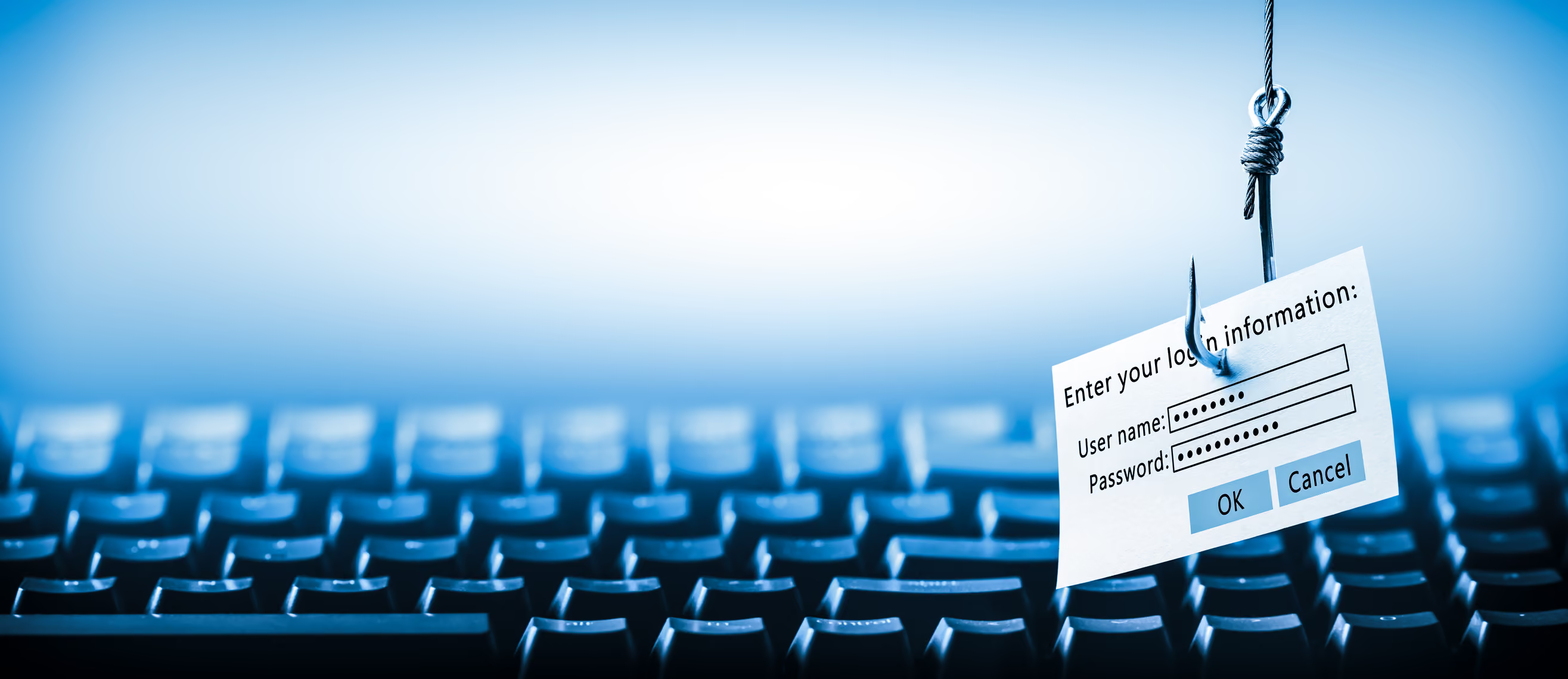
How To Identify Phishing Emails Before You Click On Them
Every day, millions of phishing emails are sent worldwide, and they’re getting harder to spot. These emails often look legitimate, appearing to come from trusted sources like banks, online stores, or even your workplace. But behind their convincing appearance lies a dangerous intent: to steal your personal information or infect your device with malware.
Phishing emails are one of the most common cyber threats today, responsible for over 80% of reported security incidents globally. Understanding how to identify and avoid them is crucial to protecting yourself online.
Let’s break it down.
What Are Phishing Emails?
Phishing emails are fraudulent messages designed to trick you into revealing sensitive information, such as passwords, credit card details, or Social Security numbers. They often impersonate trusted organizations or individuals to gain your trust. These emails can also contain malicious links or attachments that install harmful software on your device.
Phishing isn’t new - it dates back to the 1990s when hackers used fake AOL messages to steal user credentials. Today, phishing has evolved into a sophisticated cybercrime, targeting individuals and businesses alike. Attackers now use advanced tactics like personalized messages (spear phishing) and fake websites (pharming) to deceive victims.
Why Are Phishing Emails So Dangerous?
Phishing attacks are dangerous because they exploit human behavior rather than technical vulnerabilities. Cybercriminals rely on urgency, fear, or curiosity to manipulate victims into acting without thinking.
Here’s why they’re so effective:
They look legitimate:
Many phishing emails mimic official communications from trusted brands like Amazon, PayPal, or Microsoft.
They’re hard to detect:
Attackers use techniques like URL spoofing and link shortening to hide malicious links.
They target everyone:
From individuals to large corporations, no one is immune.
In 2023 alone, phishing attacks caused billions in financial losses globally. For businesses, even a single employee falling for a phishing email can lead to data breaches or ransomware attacks.
How To Identify and Protect Yourself from Phishing Emails
Identifying phishing emails requires attention to detail and a basic understanding of common red flags. A few things you should look for:
1. Check the Sender’s Email Address
Always inspect the sender’s email address carefully. Phishing emails often come from addresses that look similar to legitimate ones but have slight differences. For example, replacing “amazon.com” with “amaz0n.com.”
2. Look for Generic Greetings
Legitimate organizations usually address you by name. If an email starts with “Dear Customer” or “Hello User,” it could be a phishing attempt.
3. Beware of Urgent or Threatening Language
Phishing emails often create a sense of urgency to pressure you into acting quickly. Subject lines like “Your account will be locked” or “Immediate action required” are common tactics.
4. Inspect Links Before Clicking
Hover over any links in the email without clicking them. This reveals the actual URL destination. If the link doesn’t match what’s written in the email or looks suspicious, don’t click it.
5. Avoid Unexpected Attachments
Attachments in phishing emails often contain malware that can infect your device when opened. Be cautious with any unexpected files, especially if they come from unknown senders.
6. Watch for Poor Grammar and Spelling Errors
Legitimate companies take care in crafting their communications. Emails with obvious grammatical mistakes or awkward phrasing are likely scams.
7. Verify Requests for Personal Information
Legitimate organizations rarely ask for sensitive information via email. If you receive such a request, contact the organization directly using official contact details, not those provided in the email.
8. Install Privacy Tools
Privacy management tools like PrivacyHawk make it easier to keep your personal information out of the wrong hands. By reducing how much of your data is exposed online, it becomes harder for scammers to use that information in targeted phishing attacks.
PrivacyHawk also includes important features like dark web monitoring and identity theft protection, giving you an extra layer of security in a world where digital threats are constantly evolving.
What To Do If You Suspect A Phishing Email
If you think an email might be a phishing attempt:
Don’t click any links or open attachments.
Report the email as phishing through your email provider.
Delete the email immediately.
Run a security scan on your device if you accidentally clicked something suspicious.
Contact the organization directly using official contact details if you’re unsure about an email’s legitimacy.
Conclusion
Phishing emails are one of the most persistent cyber threats today, but they’re also preventable if you know what signs to look for and take proactive steps to protect yourself online.
Simple actions like checking the sender’s email address, avoiding suspicious links, and never sharing personal information without verifying the source can make a big difference.
Staying alert and informed is your best defense. By recognizing common phishing tactics and thinking twice before clicking, you can protect yourself and your information from falling into the wrong hands.
Why Your VPN Isn’t Enough: How PrivacyHawk Closes The Data Protection Gaps
Imagine you're browsing the internet, confident that your Virtual Private Network (VPN) is keeping your online activity safe and private. You feel secure knowing your IP address is hidden and your connection is encrypted.
But here's the reality: while VPNs are great at protecting your internet traffic, they have significant limitations when it comes to safeguarding your overall digital privacy.
Hackers, data brokers, and malicious actors can still find ways to exploit gaps in your security. This blog will explore why VPNs alone aren't enough and how PrivacyHawk steps in to close these critical data protection gaps.
What Does a VPN Actually Do?
A VPN creates a secure tunnel for your internet connection, encrypting the data you send and receive. It hides your IP address, making it harder for websites, advertisers, or even your Internet Service Provider (ISP) to track your online activity.
VPNs are especially useful when using public Wi-Fi networks, such as at airports or coffee shops, where attackers can easily intercept unencrypted data.
However, while VPNs provide encryption and anonymity for your internet traffic, their protection stops there.
The Limitations of VPNs
VPNs are often marketed as all-in-one privacy solutions, but they have several weaknesses that users need to understand:
1. Limited Scope of Protection
VPNs only secure the connection between your device and the internet. They don't protect against threats like phishing emails or malicious downloads. For example, if you click on a link in a phishing email while using a VPN, the encryption won't stop malware from infecting your device.
2. No Protection Against Data Brokers
Data brokers collect personal information from various sources, including websites you visit, and sell it to advertisers or other third parties. A VPN doesn't stop this type of tracking because it doesn't remove existing data about you from these databases.
3. Vulnerabilities in VPN Technology
Many VPNs suffer from technical vulnerabilities that can expose user data:
DNS leaks:
These occur when DNS queries bypass the encrypted tunnel, revealing browsing activity to ISPs.
IP address leaks:
If a VPN connection drops unexpectedly, your real IP address may be exposed.
Weak encryption:
Some VPNs use outdated encryption protocols that hackers can exploit.
4. Logging Policies
Some VPN providers keep logs of user activity despite claiming otherwise. These logs can be accessed by authorities or hacked, defeating the purpose of using a VPN.
5. Inadequate Protection Against Website Tracking
Websites use cookies and trackers to monitor user behavior across the internet. A VPN doesn't block these trackers or prevent websites from collecting data about you.
6. No Protection Against Data Breaches
Even if you use a VPN, your personal data stored by companies can still be compromised in a data breach. VPNs only encrypt your internet traffic — they cannot stop external databases or services from being hacked and leaking your sensitive information.
Why PrivacyHawk Complements Your VPN
PrivacyHawk is designed to address the gaps left by VPNs and provide comprehensive protection for your personal data.
While a VPN focuses on securing your internet connection, PrivacyHawk goes further by tackling issues like data exposure, identity theft risks, and online tracking.
PrivacyHawk fills in the gaps by:
1. Removing Personal Data From Brokers
PrivacyHawk scans for exposed personal information online and removes it from data brokers and people search sites. This reduces your digital footprint and makes it harder for advertisers or scammers to target you.
2. Monitoring for Breaches
PrivacyHawk offers dark web monitoring and breach alerts, notifying you if sensitive information like passwords or Social Security numbers appears on the dark web. This feature is critical for catching threats that a VPN cannot detect.
3. Identity Theft Protection
If your identity is stolen due to a breach or phishing attack, PrivacyHawk provides up to $1 million in insurance and expert restoration services to help you recover.
4. Privacy Score
PrivacyHawk gives you a privacy score, similar to a credit score, that tracks how much of your data is exposed online. As you take steps to delete unnecessary data and opt out of tracking services, your score improves.
By combining PrivacyHawk with a VPN, you create a layered approach to digital security that covers both internet traffic encryption and broader privacy management.
How To Maximize Your Digital Privacy
To truly protect yourself online, consider combining multiple tools and practices:
1. Use PrivacyHawk
PrivacyHawk addresses privacy risks beyond what a VPN can handle by removing exposed data from brokers, monitoring breaches, and protecting against identity theft.
2. Pair With a Reliable VPN
Choose a reputable VPN provider with strong encryption protocols and no-log policies to secure your internet connection effectively.
3. Enable Two-Factor Authentication
Adding an extra layer of security to accounts makes it harder for attackers to gain access even if they steal passwords.
4. Regularly Update Software
Keeping devices updated ensures that vulnerabilities are patched before hackers can exploit them.
5. Be Cautious With Emails
Avoid clicking on links or downloading attachments from unknown senders to reduce phishing risks.
Conclusion
Given that your VPN secures your internet connection, remember it's only one component of comprehensive online protection. Think of it as a strong lock, but the windows remain open. Tools like PrivacyHawk secure these "windows" through features that address data exposure, breach monitoring, and identity theft risks. Combine a VPN with PrivacyHawk for a layered defense and take control of your privacy.
WK Kellogg's Employee Data Leak: Lessons in Corporate Data Protection
For many of us, the idea of personal data being stolen seems like a distant threat. Something that happens to others, not us. But the reality is starkly different.
In recent years, data breaches have become increasingly common, affecting millions worldwide. The latest victim is WK Kellogg Co., where a major cybersecurity attack exposed sensitive employee data.
This incident is a sobering reminder of how vulnerable our personal information can be in today's world. Let's explore what happened, why it matters, and the critical lessons companies can learn to safeguard their data.
What Happened in the WK Kellogg Data Breach?
In December 2024, WK Kellogg Co., the cereal manufacturer, fell victim to a sophisticated cybersecurity attack.
Hackers exploited vulnerabilities in Cleo’s file transfer software - a third-party vendor used by Kellogg - to steal sensitive employee data. This included names and Social Security numbers, which are prime targets for identity theft.
The breach went undetected for nearly three months before Kellogg discovered it during routine security checks on February 27, 2025. By then, attackers had already accessed personnel files transferred via Cleo servers.
The company disclosed the breach publicly on April 4, 2025, and began notifying affected individuals.
How Did the Breach Occur?
The hackers exploited two major vulnerabilities in Cleo’s software:
CVE-2024-50623:
This flaw allowed unrestricted uploads and downloads, making it easier for attackers to access sensitive files.
CVE-2024-55956:
Discovered later, this vulnerability enabled unauthorized users to execute malicious commands, such as deploying ransomware or stealing data.
Despite Cleo releasing patches for these issues in late 2024, the fixes were insufficient to block sophisticated attacks. Cybersecurity experts believe the Clop ransomware group was behind the breach - a notorious group known for targeting organizations using vulnerable software.
Why Is This Breach Serious?
The WK Kellogg data leak is alarming for several reasons:
Exposure of Sensitive Data:
Names and Social Security numbers are highly valuable for identity theft and fraud.
Third-Party Risk:
Although the breach stemmed from Cleo’s software vulnerabilities, Kellogg is ultimately responsible for safeguarding its employees’ data.
Delayed Detection:
Hackers had access for nearly three months before being discovered, increasing the risk of misuse.
Reputational Damage:
Such incidents erode trust among employees and partners while tarnishing a company’s image.
Lessons Learned from WK Kellogg's Breach
This incident underscores several key lessons for businesses aiming to strengthen their cybersecurity defenses:
Monitor Third-Party Vendors Closely
Many companies rely on third-party vendors like Cleo for critical operations. However, outsourcing doesn’t absolve them of responsibility. Businesses must audit their vendors’ security practices regularly and ensure they adhere to industry standards.
Patch Vulnerabilities Promptly
Software vulnerabilities are like unlocked doors, hackers will exploit them if left open. Companies should ensure that all systems are updated with the latest security patches and verify their effectiveness.
Invest in Early Threat Detection
The longer a breach goes unnoticed, the greater its impact. Advanced threat detection systems can help identify unusual activity early and minimize damage.
Educate Employees on Cybersecurity
Human error often plays a role in breaches. Training employees on best practices like recognizing phishing attempts, can reduce risks significantly.
Offer Robust Support to Victims
Kellogg responded by offering affected employees free identity theft protection services including credit monitoring and fraud support. Such measures are essential to help victims recover and rebuild trust.
The Role of Privacy Management Tools
Because of such threats, tools like PrivacyHawk are invaluable for protecting personal data from breaches like this one. PrivacyHawk simplifies privacy management by scanning for exposed information online and removing it from brokers and search sites. It also offers features like dark web monitoring and identity theft protection - critical safeguards against modern threats.
By reducing your digital footprint and enhancing online security, PrivacyHawk empowers individuals to take control of their privacy.
Final Thoughts
The WK Kellogg data leak highlights how even trusted companies can fall prey to cyberattacks if they overlook critical vulnerabilities. For businesses, this incident serves as a stark reminder of the importance of robust cybersecurity measures. Not just internally but across all third-party partnerships.
As individuals, we must also take steps to protect our personal data online. PrivacyHawk offers powerful tools to safeguard your information from identity theft and fraud - a must-have in today’s world where breaches are becoming more common.
Let’s learn from Kellogg’s experience and build a future where data protection is not just an afterthought but a priority for everyone.
How To Do A Digital Spring Cleaning Of Your Personal Data
Think about the last time you cleaned out your closet or organized your kitchen drawers. It felt satisfying, right? Now, imagine doing the same for your digital life.
Over the years, our devices and online accounts accumulate clutter like unused apps, old files, forgotten subscriptions, and outdated information. This digital mess doesn’t just slow down your devices; it also exposes you to security risks.
Hackers thrive on forgotten passwords, unused accounts, and unprotected data. That’s why it’s time to roll up your sleeves and tackle a digital spring cleaning.
Why Digital Spring Cleaning Matters
Just like physical clutter can make your home feel chaotic, digital clutter can bog down your devices and leave your personal information vulnerable.
Old accounts with outdated passwords, unused apps with hidden permissions, or files stored in unsecured locations are all potential gateways for cybercriminals. Cleaning up your digital life not only boosts device performance but also strengthens your online security.
A 2020 study found that 60% of people felt less stressed after decluttering their digital devices. Beyond the mental relief, a clean digital space reduces the risk of identity theft and fraud.
Step 1: Audit Your Online Accounts
Start by reviewing all the online accounts you’ve created over the years. Think about subscriptions, shopping websites, social media platforms, and apps.
Delete unused accounts: Log in one last time to remove personal information before deactivating them.
Review active accounts: Check for saved credit card details or sensitive information you no longer need and delete them.
Update passwords: Use strong, unique passwords for each account. Consider using a password manager to keep track of them.
By auditing your accounts, you reduce the number of places where hackers could potentially access your data.
Step 2: Clean Up Your Devices
Our smartphones and computers often become dumping grounds for unused apps, duplicate files, and outdated software. Here’s how to tidy them up:
Delete unused apps: Uninstall apps you no longer use. Before deleting them, ensure you’ve removed any associated accounts to prevent companies from holding onto your data.
Organize files: Sort files into folders like “Work,” “Personal,” or “Photos.” Delete duplicates or irrelevant files.
Clear cache and temporary files: These take up space and can slow down your device.
Cleaning up your devices not only frees up storage but also improves performance.
Step 3: Back Up Important Data
Imagine losing all your photos or critical work documents because of a device failure. Backing up data is essential for protecting what matters most.
Use cloud services like Google Drive or iCloud for automatic backups.
Save copies of important files on external hard drives.
Password-protect backups to ensure they’re secure.
Regular backups give you peace of mind that your data is safe even if something goes wrong.
Step 4: Update Software and Apps
Outdated software is a common entry point for hackers. Developers release updates not just for new features but also to patch security vulnerabilities.
Update all apps on your phone and computer.
Install the latest operating system updates.
Check browser settings and clear old data like stored passwords or cookies.
Keeping everything updated ensures that you’re protected against known security threats.
Step 5: Review Privacy Settings
Privacy settings on social media platforms, apps, and browsers often change without notice. Take some time to review them:
Adjust settings so only trusted individuals can access personal information.
Limit third-party app permissions.
Turn off unnecessary location tracking or microphone access.
This step helps you control who sees your information and reduces exposure to potential threats.
Step 6: Manage Subscriptions
Subscriptions can pile up over time - streaming services, newsletters, apps - and many of them go unused.
Cancel subscriptions you no longer need.
Clean out email inboxes by unsubscribing from newsletters or alerts you don’t read.
Organize active subscriptions to keep track of what you’re paying for.
Managing subscriptions not only saves money but also reduces unnecessary clutter in your inbox or app library.
Step 7: Secure Your Passwords
Weak passwords are one of the easiest ways hackers gain access to accounts. Take this opportunity to strengthen them:
Create long passwords with a mix of letters, numbers, and special characters.
Avoid reusing passwords across multiple accounts.
Enable two-factor authentication wherever possible for added security.
Using tools like PrivacyHawk can simplify this process by helping you manage passwords securely while improving overall privacy protection.
Step 8: Declutter Social Media Accounts
Social media platforms often hold more personal information than we realize. Take these steps:
Review friends or followers lists; remove connections that no longer add value.
Update profile privacy settings to limit who can view personal details.
Decluttering social media helps protect against unauthorized access while keeping your online presence aligned with current values.
Step 9: Run Security Checks
Finally, ensure all devices are free from malware or viruses:
Install reliable antivirus software and run a full system scan.
Remove any detected threats immediately.
Enable automatic scans for ongoing protection.
Regular security checks are vital for keeping devices safe from cyberattacks.
Step 10: Use PrivacyHawk to Declutter Your Personal Data
Digital decluttering is also about controlling who has your personal information. This is where PrivacyHawk steps in.
Remove your personal info from thousands of data broker databases.
Review which companies currently hold your data and decide who should keep it.
Unsubscribe from unwanted emails and stop data sharing with a single tap.
Improve your Privacy Score by cleaning up your digital footprint and tracking your privacy over time.
With PrivacyHawk, managing your personal data becomes easier, safer, and more effective. It’s the ultimate tool to declutter your digital life and stay protected long-term.
Conclusion
Digital spring cleaning might seem overwhelming at first glance, but breaking it down into simple steps makes it manageable and rewarding.
By auditing accounts, cleaning devices, updating software, reviewing privacy settings, managing subscriptions, securing passwords, decluttering social media profiles, backing up data, and running security checks - you’ll create a safer digital environment for yourself.
Tools like PrivacyHawk make this process even easier by offering powerful features that protect personal data from identity theft and fraud.

Why You Should Google Yourself Right Now (And What to Do If You Find Something Shocking)
Have you ever Googled your own name? If not, you might be in for a surprise. With just a quick search, you could find old social media posts, personal details listed on random websites, or even information you never shared about yourself.
Your online presence is more than just what you post. It includes everything that others have shared about you, from public records to data broker sites selling your personal details. If the wrong people get access to this information, it can lead to identity theft, scams, or even reputational damage.
So, what exactly might you find when you Google yourself, and how can you take back control of your online information? Let’s find out.
What You Might Find When You Google Yourself
Typing your name into Google might reveal things you didn’t expect. Here are some of the most common surprises people find:
Personal Data on Data Broker Sites
Websites like Spokeo and Whitepages may list your name, address, phone number, or email.
Old Social Media Accounts
Forgotten profiles or outdated posts might still be visible.
Embarrassing or Inaccurate Information
Outdated news articles, blog posts, or reviews that no longer reflect who you are.
Public Photos
Tagged images from friends or family that you didn’t realize were accessible.
Negative Reviews or Comments
If you own a business, you might find unfair or fake reviews.
Scam Listings Using Your Name
Impersonation attempts, fraudulent job postings, or scam profiles.
How to Take Back Control of Your Online Information
If you find something concerning while Googling yourself, don’t panic. There are steps you can take to clean up your online presence.
1. Remove Your Information from Data Broker Sites
Data brokers collect and sell personal details to marketers, recruiters, and even scammers. These sites include people search engines like Spokeo, Whitepages, and BeenVerified.
To remove your information:
Visit the website’s opt-out page and request removal.
Some sites require identity verification, like an email confirmation.
Keep track of these sites, as they might relist your information later.
This process can be time-consuming, but privacy tools like PrivacyHawk can automate it for you by scanning data broker sites and removing your personal information to help reduce your digital footprint.
2. Update Your Social Media Privacy Settings
Social media accounts often have default settings that make posts, photos, and personal details visible to the public.
Check your privacy settings on platforms like Facebook, Instagram, LinkedIn, and Twitter.
Remove or limit old posts that may no longer reflect who you are.
Disable location tracking on social media to prevent unwanted exposure.
3. Contact Website Owners for Content Removal
If you find something on a website that you want removed, you can:
Contact the website owner and request deletion.
If the content violates any privacy laws or terms of service, report it directly to Google or the platform hosting it.
For old social media posts, you can often delete them yourself, but if another person posted about you, you might need to ask them to take it down.
4. Set Up Google Alerts for Your Name
Google Alerts can notify you whenever new content about you appears online.
Go to Google Alerts and enter your name in quotation marks (e.g., "Jack Bass").
Choose how often you want to receive updates.
This helps you stay aware of any new mentions of your name.
5. Secure Your Accounts to Prevent Identity Theft
If your information is already online, criminals may try to access your accounts. Strengthen your security by:
Use unique, strong passwords for each account.
Enabling two-factor authentication (2FA) wherever possible.
Being cautious about sharing personal information online.
What to Do If You Find Something Harmful Online
If you discover something damaging or alarming while searching your name, take action right away.
Identity Theft Signs
If you see accounts, loans, or credit cards opened in your name, report them to the authorities and freeze your credit.
Fake Accounts
Report impersonation attempts to the platform hosting them.
Defamation or False Information
If someone is spreading harmful falsehoods, legal action may be necessary.
Sensitive Personal Data
If private information like your address or phone number is exposed, remove it as soon as possible.
In cases where your information is already being shared, tools like PrivacyHawk can help by identifying where your data is exposed and working to remove it from public databases.
Conclusion
Googling yourself is not just about curiosity. It is a smart way to check what information about you is available online and take steps to protect your privacy. The more you know, the better control you have over your digital presence.
Your personal data is valuable, and keeping it secure should be a priority. With the growing risks of identity theft and online scams, being proactive can save you from future problems.
If managing your online privacy feels overwhelming, apps like PrivacyHawk, available on Play Store or App Store, can make it easier by removing your personal data from online databases and helping you take back control.
Take a few minutes today to Google yourself. What you find might surprise you, and taking action now can protect you in the long run.
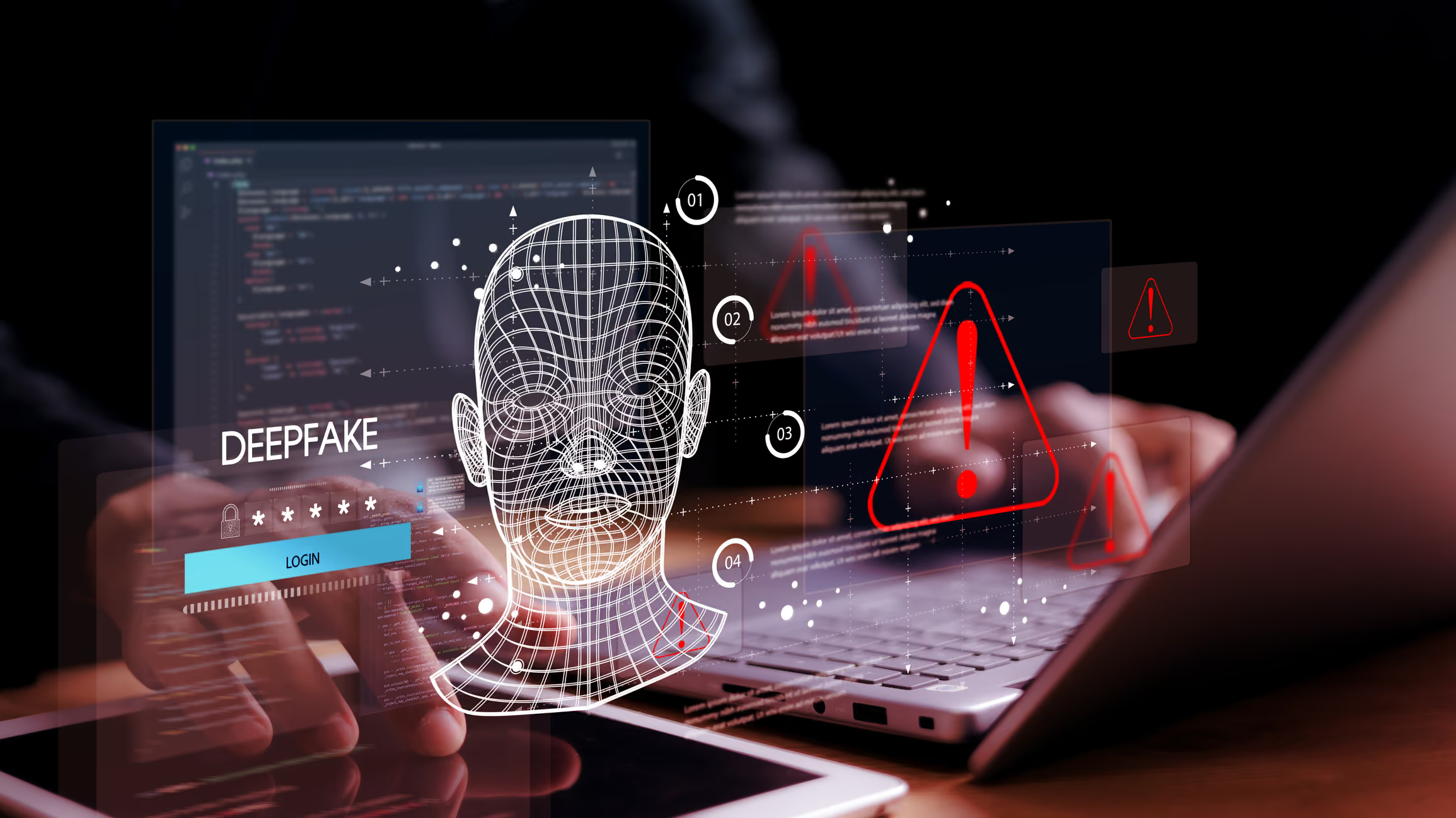
AI Voice Cloning and Deepfakes: How To Protect Yourself from Fraud
You get a call from a loved one asking for urgent financial help. Their voice sounds exactly like them, full of panic and desperation. Without thinking twice, you send the money, only to realize later that it was never them on the phone. Instead, an AI-generated voice tricked you into handing over your hard-earned cash.
This is not a scene from a sci-fi movie. AI voice cloning and deepfake technology have made scams like this a real threat. Criminals can now use artificial intelligence to copy voices and even create fake videos that are nearly impossible to tell apart from real ones. These scams are becoming more common, and the technology behind them is advancing fast.
So, how does this technology work, and more importantly, how can you protect yourself?
What is AI Voice Cloning?
AI voice cloning is the process of using artificial intelligence to create a digital copy of someone's voice. With just a few minutes of recorded speech, AI can generate a voice that sounds almost identical to the real person. The cloned voice can then be used to make phone calls, leave voicemails, or even interact in real-time.
This technology has legitimate uses. It helps people who have lost their ability to speak regain their voice. It is also used in entertainment and virtual assistants. However, in the wrong hands, it becomes a powerful tool for fraud.
What Are Deepfakes?
Deepfakes use AI to create realistic fake videos and images. A deepfake video can show a person saying or doing things they never actually did. This technology uses machine learning to analyze real videos and then generates a fake version that looks just as real.
Because deepfakes and AI-generated voices can be so convincing, it is becoming harder to tell what is real and what is fake.
How Criminals Use AI Voice Cloning and Deepfakes for Fraud
Fraudsters are using these technologies in different ways to steal money and personal information. Some of the most common scams include:
Family Emergency Scams:
Scammers use AI voice cloning to mimic a loved one's voice and call asking for urgent financial help.
CEO Fraud:
Criminals impersonate company executives through deepfake videos or cloned voices to trick employees into transferring money.
Banking Scams:
Fraudsters clone the voice of a bank representative and ask victims to share sensitive information.
Political Manipulation:
Deepfake videos are used to spread misinformation, causing confusion and distrust.
Fake Video Calls:
Criminals use deepfake technology to impersonate real people in video calls, making scams more believable.
How to Spot AI Voice Cloning and Deepfake Scams
Even though this technology is advancing, there are still ways to detect deepfakes and voice cloning. Some of them are:
Unusual Behavior:
Poor Audio or Video Quality: AI-generated voices may sound slightly robotic, and deepfake videos often have unnatural facial movements.
Lack of Emotion or Delay in Response:
AI voices may lack natural emotional variation, and deepfake videos sometimes have delays in lip movement.
Requests for Urgent Action:
Scammers often try to rush victims into making decisions before they have time to think.
Inconsistencies:
Ask personal questions that only the real person would know. Scammers using AI might struggle to answer correctly.
How to Protect Yourself from AI Voice Cloning and Deepfake Scams
With this technology evolving rapidly, it is crucial to take steps to protect yourself.
1. Be Skeptical of Unexpected Calls and Messages
If you get a call from a friend, family member, or even a company asking for urgent help, verify it first. Hang up and call the person back using a known number.
2. Use Safe Words with Loved Ones
Create a unique family code word that only your close relatives know. If someone calls claiming to be a family member in distress, ask for the code word.
3. Verify Video and Voice Calls
If you receive a suspicious video call or voicemail, compare it with past voice recordings or videos to check for inconsistencies.
4. Limit the Amount of Your Voice Data Online
Be mindful of what you post online. Scammers can even use short voice clips from social media to clone your voice.
5. Report Suspicious Activity
If you suspect a deepfake or voice cloning scam, report it to the authorities, your bank, or the platform where the fraud occurred.
6. Use Privacy Protection Tools
Services like PrivacyHawk help you protect your personal information from being exposed. PrivacyHawk removes your data from online databases, reducing the chances of scammers getting access to your personal details.
The Role of Technology in Fighting AI Fraud
While criminals are using AI for fraud, technology is also being developed to fight back.
AI Detection Tools:
Companies are creating software that can identify deepfake videos and voice cloning.
Blockchain Technology:
Some organizations are using blockchain to verify the authenticity of videos and recordings.
Stronger Cybersecurity Measures: Financial institutions and businesses are adding more security layers to prevent AI-based fraud.
But no matter how advanced these tools become, staying aware and informed is the best way to protect yourself.
Conclusion
AI voice cloning and deepfake scams are becoming more advanced, but that does not mean you have to fall victim to them. By staying informed, being cautious of unexpected calls and messages, and limiting how much of your personal information is available online, you can significantly reduce your risk.0
Technology is always changing, and so are the tactics used by fraudsters. The best defense is awareness, caution, and using the right tools to keep your personal information secure.
PrivacyHawk makes it easy to take control of your data and keep it out of the wrong hands. Download it today on the Play Store or App Store and add an extra layer of security to your life.
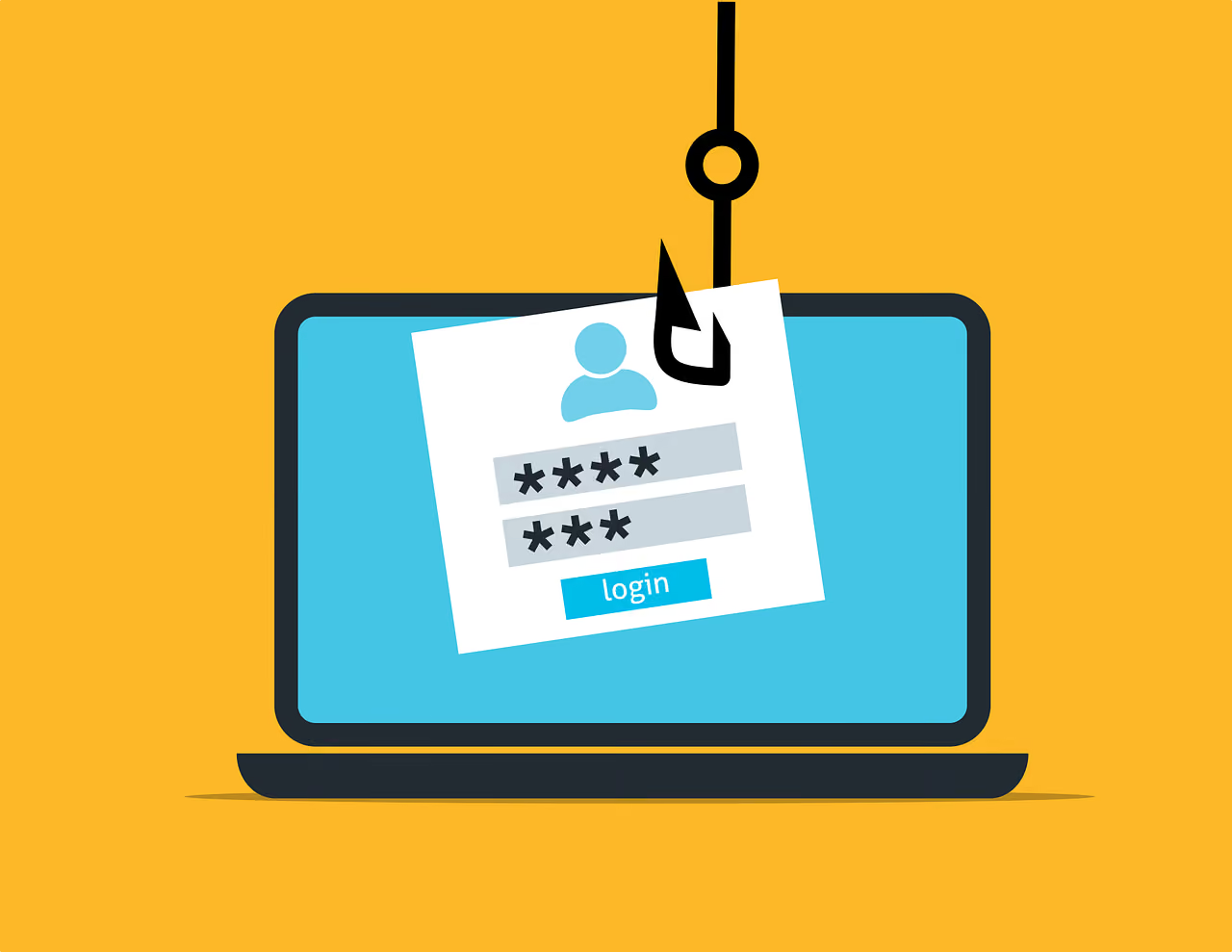
Why Identity Theft is Easier Than Ever and How You Can Fight Back
You wake up to a notification that a credit card you never applied for has been approved in your name. Your bank account shows withdrawals you did not make. Worse, someone is using your identity to commit crimes. This is the frightening reality of identity theft, and it is happening more than ever.
With so much personal information online, criminals have more opportunities than ever to steal identities. Hackers, scammers, and data brokers can access and misuse your data without you even realizing it. The good news is that you can take steps to protect yourself and stay in control of your information.
Why Identity Theft is More Common Than Ever
Identity theft has been a problem for years, but today, it is happening at an alarming rate. Here’s why:
1. More Personal Information Online
Most people share a lot of personal details online. Social media, shopping sites, and even government databases contain valuable information that hackers can steal. Even something as simple as your birthdate, phone number, or address can help a scammer impersonate you.
2. Data Breaches are Increasing
Big companies store massive amounts of customer data. When these companies are hacked, millions of names, emails, passwords, and even Social Security numbers can be leaked. Cybercriminals then sell this stolen data on the dark web, making it easy for scammers to commit fraud.
3. Weak Passwords and Reused Credentials
Many people use the same password for multiple accounts. If one account gets hacked, criminals can use that same password to access other accounts, including banking and email. This is known as credential stuffing, and it is one of the easiest ways for hackers to take over an identity.
4. Phishing Scams are More Convincing
Phishing scams trick people into giving away their login details or personal information. These scams often come through emails, fake websites, or even phone calls. Criminals are getting better at making these scams look real, so more people are falling for them.
5. Rise of AI-Powered Scams
With artificial intelligence, scammers can create realistic fake voices and deepfake videos. This makes it easier for them to impersonate family members, coworkers, or even government officials. AI-powered scams make identity theft even harder to detect.
The Different Ways Criminals Use Stolen Identities
Once a scammer has your personal information, they can use it in many harmful ways. Some of the most common forms of identity theft include:
Financial Fraud:
Opening credit cards, taking out loans, or making large purchases in your name.
Tax Fraud:
Filing false tax returns to steal refunds.
Medical Identity Theft:
Using your health insurance for medical treatments, leaving you with the bill.
Criminal Identity Theft:
Committing crimes using your name, leading to legal trouble for you.
Account Takeover:
Gaining access to your email or social media accounts and locking you out.
How to Protect Yourself from Identity Theft
Even though identity theft is a serious problem, you can take steps to reduce your risk. Here are some of the best ways to keep your personal information safe:
1. Use Strong, Unique Passwords
Avoid using the same password for multiple accounts. Create strong passwords with a mix of letters, numbers, and symbols. A password manager can help you keep track of them.
2. Enable Two-Factor Authentication (2FA)
Two-factor authentication adds an extra layer of security by requiring a second form of verification, such as a code sent to your phone. Even if a hacker steals your password, they will not be able to access your account without this second step.
3. Be Cautious with Emails and Links
Do not click on links or download attachments from unknown emails. Phishing scams can look very real, so always double-check the sender’s email address and verify any unusual requests before responding.
4. Monitor Your Credit and Bank Statements
Regularly check your credit reports and bank statements for suspicious activity. If you see any unauthorized transactions, report them immediately.
5. Limit What You Share Online
Avoid posting personal details like your birthday, home address, or phone number on social media. The less information available, the harder it is for scammers to steal your identity.
6. Use a Privacy Protection Tool
Apps like PrivacyHawk help keep your personal data safe by identifying where your information is exposed online and removing it from data brokers. By reducing your digital footprint, PrivacyHawk makes it harder for criminals to access your data and use it against you.
What to Do if You Become a Victim of Identity Theft
If you suspect that someone has stolen your identity, act fast to limit the damage. Here’s what you should do:
Contact Your Bank and Credit Card Companies:
Report any unauthorized transactions and freeze your accounts if necessary.
Place a Fraud Alert on Your Credit Report:
This makes it harder for scammers to open new accounts in your name. You can do this through major credit bureaus.
Change Your Passwords:
Update all your online accounts with new, strong passwords, especially for banking and email.
Report the Fraud:
Notify the Federal Trade Commission (FTC) or your local consumer protection agency. If your identity was used in a crime, contact the police.
Monitor Your Credit and Identity:
Keep an eye on your financial accounts and credit reports for any new signs of fraud.
The Future of Identity Theft and How You Can Stay Safe
Identity theft is not going away anytime soon. As technology improves, criminals will find new ways to steal information and commit fraud. The best way to stay safe is to be proactive. By following good security practices, staying aware of scams, and using privacy tools, you can reduce your risk.
Apps like PrivacyHawk help you take control of your digital privacy by removing your personal data from databases that sell it. This makes it harder for identity thieves to access and misuse your information.
Protecting your identity now can save you from serious problems down the road. Staying informed and using the right tools can make all the difference. You can start by downloading PrivacyHawk from the Play Store or App Store to keep your personal information safer.
What Happens to Your Data When You Use “Free” Online Services?
Ever signed up for a free app, website, or online service without thinking twice? Maybe it was a social media platform, an email provider, or a game. Most of us do this every day without realizing one important fact, if a service is free, you are not the customer. You are probably the product.
Companies that offer free services still need to make money. Since they are not charging you directly, they find other ways to profit, and the most valuable thing you give them is your personal data.
But what actually happens to your data once you share it? Where does it go, and how is it used? Let’s break it down in a simple way.
How Free Services Collect Your Data
When you use a free service, it collects data about you in several ways. Some of this data you provide yourself, like your name, email, and phone number when signing up. Other information is collected automatically as you use the service.
This can include:
Your browsing history and search activity
The time you spend on certain pages or apps
Your location, even if you do not share it directly
Your device type and IP address
Your interactions, such as likes, comments, and purchases
This data seems harmless on its own, but when combined, it creates a detailed profile about you. Companies then use this profile for various purposes, and not all of them benefit you.
Where Your Data Goes
Once collected, your data does not just stay with the service you signed up for. It often moves through multiple channels:
1. Advertising Networks
Many free services make money by selling access to advertisers. Companies use your data to create highly targeted ads based on your interests, behavior, and demographics. This is why you often see ads related to things you have searched for or talked about online.
2. Data Brokers
Some companies sell your data to third-party data brokers. These brokers collect, store, and sell personal information to businesses, marketers, and even political groups. Your name, address, and even your habits can be bought and sold without you even knowing.
3. Government and Law Enforcement
In some cases, governments can request access to user data from online services. This can happen for legal investigations, but in some regions, personal data is also used for mass surveillance.
4. Hackers and Cybercriminals
If a company’s database is breached, your data can end up in the hands of hackers. This can lead to identity theft, fraud, and other serious risks. Even if you think your data is not valuable, criminals can use it in ways you never expected.
What Companies Do with Your Data
Companies use your data for different reasons. Some of the most common uses include:
Personalized Advertising: Businesses want to show you ads that are most likely to make you buy something. Your data helps them understand your interests and spending habits.
User Experience Improvement: Some companies analyze data to improve their services, such as recommending content or making search results more relevant.
Predictive Analytics: Companies use artificial intelligence to predict what you might do next, such as what products you may want or how likely you are to switch to a competitor.
The Hidden Dangers of Data Exposure
Sharing your data may seem harmless at first, but it comes with real risks. Some of the biggest dangers include:
Identity Theft: If hackers steal your data, they can use it to open accounts in your name or steal money from your bank.
Privacy Invasion: Companies can track and analyze your behavior in ways that feel intrusive.
Manipulation: Political groups, advertisers, and even scammers can use your data to influence your opinions and decisions.
How to Protect Your Data
Even though it is nearly impossible to avoid sharing some data online, you can take steps to reduce your exposure. You can protect your personal information by following these:
1. Read Privacy Policies
Before signing up for a free service, check what data they collect and how they use it. Look for red flags like sharing data with third parties.
2. Limit What You Share
Do not provide more information than necessary. If a service asks for details that are not required, skip them.
3. Use Privacy Settings
Many platforms allow you to adjust privacy settings. Restrict access to your data as much as possible, such as turning off location tracking or limiting ad personalization.
4. Avoid Using Social Media Logins
Many websites offer the option to sign in using Facebook or Google. While this is convenient, it gives these companies access to more of your data.
5. Delete Unused Accounts
Old accounts can still hold your personal data. If you no longer use a service, delete your account to remove your information from their system.
6. Use a Privacy Protection Tool
Apps like PrivacyHawk help manage your digital footprint by identifying where your data is exposed and removing it from data brokers and search sites. This makes it harder for companies to profit from your information and reduces the risk of identity theft.
Conclusion
Free online services are not really free. You pay with your data, which can be used in ways you never intended. While you cannot completely erase your digital footprint, you can take steps to limit your exposure.
By being mindful of the information you share, adjusting your privacy settings, and using tools like PrivacyHawk, you can better protect your personal data. For easy access, download PrivacyHawk from the Play Store or App Store to keep your information secure.
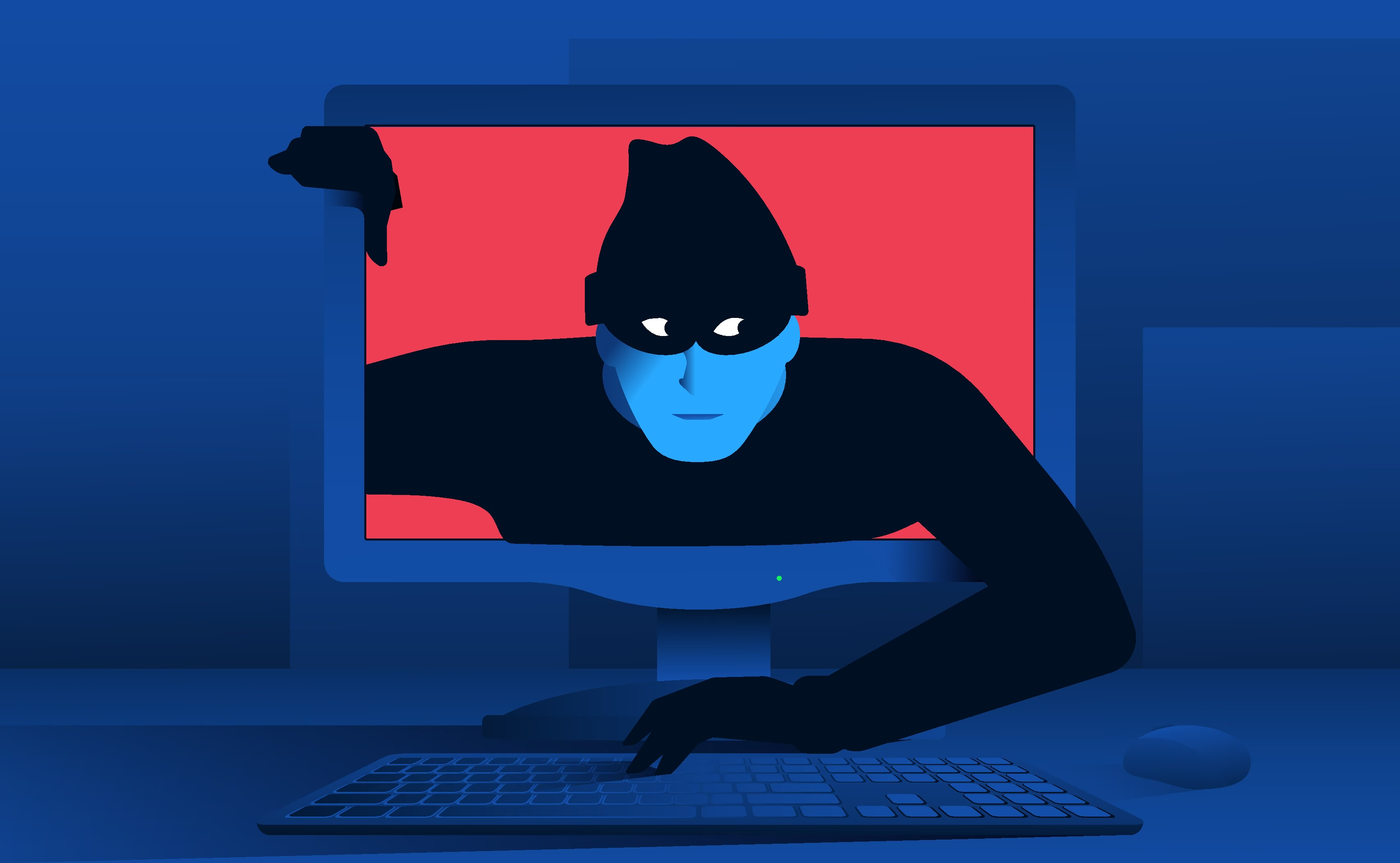
The Hidden Dangers of Overexposed Data: What Hackers Look For
Imagine waking up one day to find out someone has drained your bank account or used your personal details to apply for a loan. It sounds like a nightmare, but for many people, this is a reality.
Hackers and cybercriminals are always looking for exposed personal data to exploit, and most of the time, we don’t even realize how much of our information is out there.
Every time you sign up for a website, post on social media, or shop online, you leave behind traces of your personal information. The more data available about you, the easier it becomes for hackers to use it against you.
Knowing what hackers look for and how they use your data is the first step in protecting yourself.
What Kind of Data Do Hackers Target?
Hackers look for specific types of personal data that they can use for financial fraud, identity theft, or even blackmail. Some key pieces of information they seek are:
Full Name and Address – Used to confirm identities and create fake accounts.
Email Addresses – Often targeted for phishing scams and spam.
Phone Numbers – Can be used for scams, fake accounts, and SIM-swapping attacks.
Bank and Credit Card Details – The most valuable data for financial fraud.
Passwords – If one account is compromised, hackers can try the same password on other platforms.
Social Security Numbers – Highly sensitive and often used for identity theft.
Browsing and Search History – Gives hackers insight into your interests, habits, and weaknesses.
How Hackers Use Your Exposed Data
Once hackers get hold of your data, they can use it in many harmful ways. Most common tactics include:
1. Identity Theft
Hackers can steal your identity and use it to open bank accounts, apply for loans, or even commit crimes under your name. Once your identity is stolen, fixing the damage can take years.
2. Financial Fraud
With access to your bank details or credit card information, hackers can make unauthorized transactions, withdraw money, or even take out loans using your name.
3. Phishing Scams
Hackers use stolen email addresses and phone numbers to send fake messages pretending to be from legitimate companies. They trick you into giving up more sensitive information or clicking on harmful links.
4. Account Takeovers
If a hacker gets access to your email, they can reset passwords for other online accounts linked to it. This means they can gain control of your social media, banking, and even work-related accounts.
5. Selling Data on the Dark Web
Personal data is valuable on the dark web, where criminals buy and sell stolen information for various illegal activities. If your data is exposed, it can be sold multiple times to different buyers.
Where Does Your Data Get Exposed?
You might be wondering how hackers even get their hands on your data. Here are some of the main sources:
1. Data Breaches
Companies collect massive amounts of personal data. If they suffer a cyberattack, hackers can steal and leak customer information. Many high-profile data breaches have exposed millions of users’ personal details.
2. Social Media
Every time you post something, share personal details, or even interact with online quizzes, you are giving away valuable information. Hackers can piece together details from different sources to build a full profile on you.
3. Public Databases and Data Brokers
Many websites collect and sell user data. Data brokers compile information from multiple sources and sell it to advertisers or other businesses, but hackers can also access these databases.
4. Phishing Attacks
Sometimes, hackers don’t need to steal your data. They can simply trick you into giving it away by pretending to be a trusted source. Emails, fake websites, and even phone calls are common phishing tactics.
5. Weak Passwords and Poor Security Practices
Using the same password across multiple accounts or weak passwords makes it easier for hackers to gain access. If one website gets hacked and you use the same password elsewhere, all your accounts could be at risk.
How to Protect Your Personal Data
The good news is that you can take steps to reduce your exposure and protect yourself from cybercriminals. Here are some of the best ways to keep your data safe:
1. Use Strong, Unique Passwords
Avoid using the same password across different accounts. Use a password manager to generate and store complex passwords securely.
2. Enable Two-Factor Authentication (2FA)
Adding an extra layer of security makes it harder for hackers to access your accounts, even if they have your password.
3. Be Careful What You Share Online
Think twice before posting personal details on social media. Hackers can use even small bits of information to build a full profile on you.
4. Monitor Your Privacy Score
Using a tool like PrivacyHawk, you can track how much of your personal data is exposed online. Your Privacy Score works like a credit score for privacy, helping you understand where you need to take action to protect yourself.
5. Opt-Out of Data Broker Sites
Many data brokers collect and sell personal information. Using privacy management tools like PrivacyHawk can help you identify and remove your data from these sites.
6. Watch Out for Phishing Attempts
Never click on suspicious links or open attachments from unknown senders. If an email looks like it’s from a company you trust, verify it by contacting them directly.
7. Regularly Check for Data Breaches
Some websites let you check if your data has been exposed in a breach. If your email appears to be in breach, change your password immediately.
8. Use Secure Connections
Always use a VPN when connecting to public Wi-Fi. Avoid entering sensitive information on unsecured websites.
9. Limit App Permissions
Many apps request access to data they don’t need. Check app permissions and limit access to sensitive information like your location and contacts.
The Bottom Line
Your personal data is valuable, and hackers are always looking for ways to exploit it. Taking small steps now can prevent serious problems in the future. Reducing your online exposure, using strong passwords, enabling two-factor authentication, and monitoring your Privacy Score can make a big difference.
PrivacyHawk makes protecting your personal data easier by helping you remove exposed information, track your privacy score, and reduce your digital footprint. With the right tools and knowledge, you can take back control of your online privacy and keep your personal information safe.
So what are you waiting for? Take the first step today and download the PrivacyHawk app from the Play Store or App Store to start protecting your personal data now.
How Privacy Apps Are Revolutionizing Personal Data Protection
Think about this: every time you browse the internet, use an app or even sign up for a newsletter, your personal information is collected, stored, and sometimes even sold.
Companies track what you click, what you buy, and where you go, often without you even realizing it. And once your data is out there, it's nearly impossible to get back.
But privacy apps are changing the game, giving people the tools they need to protect their personal data and reclaim their digital lives.
What Are Privacy Apps?
Privacy apps are software tools designed to help individuals protect their personal data from being accessed, collected, or misused by third parties. They come in different forms, each targeting specific areas of privacy protection, such as:
Data removal apps
that help scrub your personal information from data broker databases and people-search sites.
Secure messaging apps
that encrypt communications so only you and the intended recipient can read them, keeping conversations private.
Ad-blocking and anti-tracking apps
that prevent companies from following you around the internet and building invasive profiles about you.
VPNs (Virtual Private Networks)
that mask your IP address and encrypt your internet connection, making it harder for hackers or ISPs to track your activity.
Password managers
that generate and store complex passwords securely, ensuring that weak or reused passwords don’t compromise your accounts.
Privacy-focused browsers
that block tracking cookies, prevent fingerprinting, and limit website data collection by default.
These apps work together to create a protective shield around your personal information, making it harder for hackers, advertisers, and even governments to access your private data.
How Do Privacy Apps Work?
Each type of privacy app functions differently, depending on what aspect of digital security it addresses:
Encryption –
Apps like secure messaging platforms and VPNs use encryption to scramble data, making it unreadable to outsiders. This ensures that even if data is intercepted, it cannot be accessed.
Data Minimization
Many privacy-focused apps limit the amount of personal information collected in the first place, reducing exposure to breaches. Some browsers, for example, prevent third-party trackers from collecting user data.
Automated Data Removal
Services like PrivacyHawk scan the web for exposed personal information and help remove it from data brokers, reducing your risk of identity theft. This process is crucial as data brokers often resell your information without consent.
Tracking Prevention
Ad-blockers, anti-tracking tools, and privacy-focused browsers prevent websites and apps from gathering behavioral data on you, significantly reducing unwanted advertising and profiling.
Secure Authentication
Password managers and multi-factor authentication apps enhance login security, making it harder for hackers to break into your accounts. Some privacy apps also offer disposable email addresses and masked phone numbers to prevent spam and identity theft.
Why You Should Use Privacy Apps
If you’re wondering whether privacy apps are worth it, consider these key benefits:
Better Online Security
Encrypting your data and using secure logins dramatically reduces the risk of cyberattacks and unauthorized access.
Control Over Your Information
Instead of companies deciding what to do with your data, privacy apps give you the ability to limit and remove personal information, ensuring that it is not misused.
Less Targeted Advertising
By blocking tracking, these apps prevent companies from collecting behavioral data to bombard you with intrusive, hyper-targeted ads.
Identity Theft Protection
Removing your data from databases makes it harder for fraudsters to steal your identity or financial details. Many cases of identity theft start with stolen personal data from data brokers.
Privacy Across All Devices
Many privacy apps work across desktop and mobile devices, ensuring that your personal information is protected no matter where you go or what device you use.
Peace of Mind
Knowing that your data is safeguarded allows you to browse, communicate, and shop online with confidence, without worrying about who might be tracking you.
Are Privacy Apps Worth It?
With increasing data breaches and cyber threats, investing in privacy apps is more than just a good idea—it’s becoming a necessity. Hackers, scammers, and even corporations profit from your data in ways you may not be aware of. While no single tool can guarantee 100% protection, combining multiple privacy apps can significantly strengthen your defenses.
That said, not all privacy apps are created equal. Some require a paid subscription, while others may collect some data themselves. It’s important to research and choose trusted apps that have strong privacy policies, no-logging practices, and proven security measures.
How PrivacyHawk Can Help
At PrivacyHawk, we take personal data protection to the next level by automatically scanning the internet for your exposed information and helping you remove it from high-risk sources. Many people don’t realize that their data is sitting in databases accessible to scammers, telemarketers, and cybercriminals.
Our app continuously monitors your digital footprint, flagging and removing your personal details from data brokers and other entities that may misuse them.
By using PrivacyHawk, you can:
Identify and remove your exposed data
from public databases, reducing spam and fraud attempts.
Monitor ongoing threats
to your digital privacy and take action before issues arise.
Gain back control over your personal information,
stopping companies from profiting off your data without consent.
With cyber threats growing daily, taking steps to protect your data is more important than ever. If you want to keep your personal information secure and out of the hands of hackers, download the PrivacyHawk app today from the App Store or Google Play and take back control of your privacy instantly.
5 Simple Steps to Avoid Becoming a Victim of Identity Theft
Identity theft is a real threat, but protecting yourself doesn't have to be complicated. Cybercriminals are always on the lookout for personal information they can use to steal your identity, open accounts in your name, or even drain your bank account.
The good news? A few simple habits can go a long way in keeping your personal information safe. Let's dive into five easy steps to prevent identity theft.
1. Keep an Eye on Your Accounts
One of the easiest ways to spot identity theft early is by regularly checking your bank, credit card, and online accounts. Set up email or text alerts for transactions so you can catch any suspicious activity right away.
Reviewing your credit report at least once a year is also crucial. This helps you see if someone has opened an account in your name without your knowledge. The sooner you catch fraud, the easier it is to stop it.
2. Strengthen Your Passwords (and Actually Use Them!)
We get it—coming up with unique passwords for every account is a hassle. But using weak or repeated passwords is like leaving your front door wide open for identity thieves. Instead, create strong passwords with a mix of letters, numbers, and symbols.
If remembering them all sounds impossible, use a password manager to store them securely. And wherever possible, enable two-factor authentication (2FA) so that even if someone steals your password, they still can't get into your accounts.
3. Watch Out for Phishing Scams
Ever gotten an email that looked legit but asked you to click a weird link or enter personal details? That's phishing—a scam where hackers pretend to be banks, social media platforms, or even your employer to steal your information.
If an email, text, or phone call asks for sensitive details like your Social Security number or login credentials, be skeptical. Instead of clicking links, visit official websites directly to verify requests. If something feels off, trust your gut. Learn more about how to identify a phishing email.
4. Be Mindful About What You Share Online
Think twice before posting personal information on social media. Cybercriminals can use details like your birthdate, address, and even your pet's name (which many people use in passwords) to guess their way into your accounts. Adjust your privacy settings to limit who can see your posts, and avoid sharing sensitive information, even in private messages. Understanding how companies monetize your digital footprint can help you make better decisions about what to share.
5. Secure Your Devices and Documents
Your phone and computer store a treasure trove of personal data. Protect them by keeping software updated and installing antivirus programs to block malware. When using public Wi-Fi, use a VPN to keep hackers from intercepting your data.
And don't forget about paper documents—shred bank statements, medical records, and anything else containing personal information before tossing them out. It's a simple habit that can prevent dumpster-diving fraudsters from stealing your identity.
Stay Safe with PrivacyHawk
Taking small steps now can save you from major headaches later. But identity thieves don't just rely on hacking or phishing scams—they often get personal information from public databases and data broker sites. That's where PrivacyHawk comes in.
PrivacyHawk helps protect you by scanning the internet for your exposed personal information and working to remove it from risky databases. Our service continuously monitors your digital footprint and helps you opt out of data broker lists that sell your information. By reducing your online exposure, you significantly decrease the chances of identity theft before it even happens.
The Rise of Job Scams and How to Protect Your Information
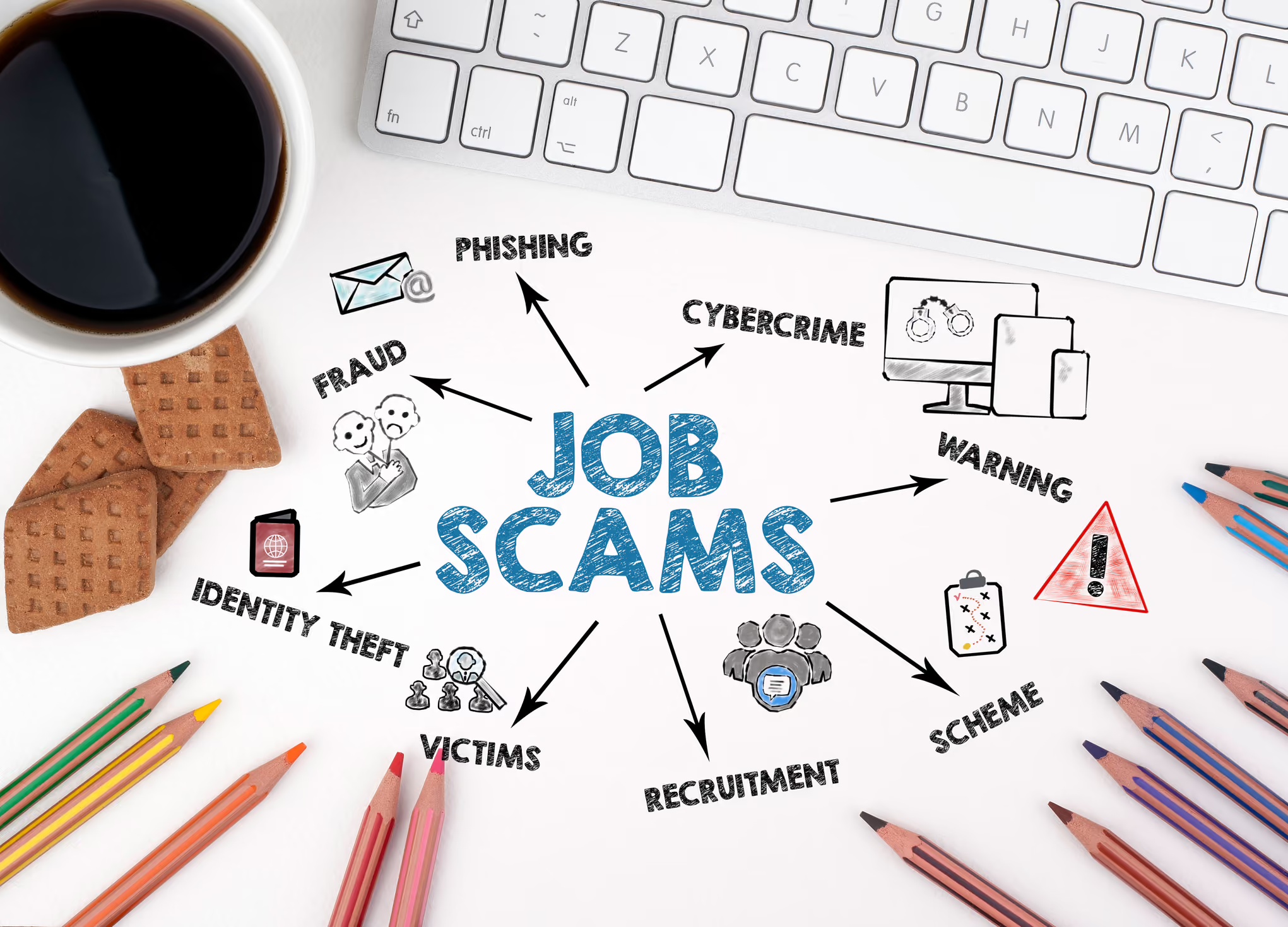
In today’s job market, online job boards and social media have made it easier than ever to find new career opportunities. Unfortunately, they’ve also made it easier for scammers to target job seekers. The rise of job scams is a concerning trend, with fraudsters getting more sophisticated in their attempts to steal your personal information and even your money.
At PrivacyHawk, we understand how important it is to protect your private information. That’s why we’re diving into how job scams are evolving and sharing practical steps you can take to keep your data safe.
Why Job Scams Are on the Rise
The digital era has revolutionized job hunting, but it’s also opened the door for cybercriminals to exploit unsuspecting job seekers. Scammers know that job seekers are eager for new opportunities and may be less cautious when sharing personal information. Combine that with the increase in remote work and virtual hiring processes, and it’s the perfect storm for fraud.
Some common tactics scammers use include:
Fake job listings: Scammers post attractive job openings on reputable job boards or social media.
Phishing emails: Fraudulent emails that appear to be from legitimate companies requesting personal information.
Pre-employment scams: Requests for upfront payments for training, background checks, or job placement fees.
Spoofed interviews: Impersonators conduct fake interviews through messaging apps or video calls to build credibility and extract sensitive details.
Real-Life Consequences of Falling for Job Scams
The consequences of job scams can be severe, ranging from identity theft to financial loss. Imagine thinking you’ve landed your dream job, only to realize you’ve handed over your Social Security number and banking information to a fraudster.
Beyond financial damage, victims often experience emotional distress and a loss of trust in the job search process. That’s why it’s crucial to stay vigilant and proactive.
How to Protect Your Information
Thankfully, there are steps you can take to safeguard your data during the job search:
1. Research the Company
Before applying for a job or sharing any information, research the company. Look for:
An official website with legitimate contact details
Verified social media pages
Reviews or mentions on professional platforms like LinkedIn
2. Beware of Red Flags
Watch out for warning signs such as:
Job offers without an interview
Requests for personal or financial information upfront
Unprofessional communication or grammar mistakes in emails
Payment requests for job-related expenses
3. Verify Email Addresses
Legitimate companies use professional email domains. Be cautious if you receive emails from free email services like Gmail, Yahoo, or addresses with slight misspellings.
4. Use Privacy Protection Tools
A service like PrivacyHawk can help you manage and protect your sensitive information online. By monitoring where your data is shared, you can reduce your risk of exposure to scams.
5. Limit Information on Your Resume
Avoid including sensitive details on your resume, such as your home address, Social Security number, or date of birth. Stick to essential information like your name, email, and phone number.
6. Be Cautious with Virtual Interviews
If a company schedules an interview, ensure it’s conducted through a secure platform. Be wary if the interviewer is evasive about the company’s details or rushes you to provide sensitive information.
What to Do If You Fall Victim to a Job Scam
If you suspect you’ve been targeted by a job scam, act quickly:
Report the scam: Notify the job board or platform where you found the listing.
Contact your bank: If you provided financial information, alert your bank to monitor for unauthorized transactions.
Monitor your credit: Keep an eye on your credit report for any suspicious activity.
Use PrivacyHawk: Our service can help you regain control of your information and provide ongoing protection.
Stay One Step Ahead
Job scams are an unfortunate reality, but by staying informed and vigilant, you can protect yourself from becoming a victim. The PrivacyHawk app is here to help you navigate the digital world securely. With the right tools and knowledge, you can focus on finding legitimate opportunities and building your career without worrying about fraud.
Ready to take control of your privacy? Visit PrivacyHawk to learn more about how we can help you protect your sensitive information today.
Why Your Digital Footprint Is Bigger Than You Think and How to Shrink It
Have you ever Googled yourself? The results might surprise you. From old social media posts to personal information on people search sites, your digital presence might be much larger than you imagine. Every time you browse, shop online or even use an app, you leave behind a trail of data. This trail, known as your digital footprint, can expose you to risks like identity theft, spam, and even fraud.
The good news is that you can take steps to reduce your digital footprint and protect your privacy. Let’s explore what a digital footprint is, how it grows, why it matters, and how you can shrink it effectively.
What Is a Digital Footprint?
Your digital footprint is the data you leave behind when using the Internet. It includes everything from your social media profiles and search history to the information collected by websites, apps, and data brokers.
There are two main types of digital footprints that everyone leaves behind, often without even realizing it.
1. Active Footprint
Your active footprint is made up of the data you willingly share online. This could be as simple as posting on social media, signing up for an online service, or commenting on a blog. Every time you hit “like,” upload a photo or send an email, you’re leaving an intentional digital mark. These actions not only add to your online presence but also create a trail of data that companies and platforms can track and use.
2. Passive Footprint
On the other hand, your passive footprint consists of the data collected about you without your active participation. This includes things like your browsing history, location data, or how long you spend on a particular webpage. Websites, apps, and cookies are constantly working in the background, tracking your behavior and gathering information you may not even realize you’re sharing.
Together, these footprints form a digital trail that can grow significantly over time, often in ways that are outside your control.
Why Is Your Digital Footprint So Big?
It is nearly impossible to avoid leaving a trail online, and your digital footprint may be larger than you realize. Social media platforms contribute significantly, as every photo, comment, and post you share adds to your online presence. Even deleting posts doesn’t guarantee complete removal, as they may still exist on servers or backups.
Online shopping is another major contributor, with retailers tracking your purchases, preferences, and payment details to offer personalized recommendations. Additionally, data brokers collect and sell personal information, such as your name, address, and phone number, to marketers and other businesses.
Apps and services also play a role by often gathering more data than necessary, including your location, contacts, and even microphone activity. Meanwhile, websites use cookies to track your behavior and preferences, often sharing this information with third parties. Together, these activities create a vast and detailed digital footprint, much of which is beyond your immediate control.
Why Does It Matter?
Having a large digital footprint can have serious consequences, including:
Privacy Risks: The more data you share, the easier it is for hackers and scammers to misuse it.
Identity Theft: If your personal information falls into the wrong hands, it can be used to open accounts, make purchases, or steal your identity.
Targeted Ads and Spam: Your browsing habits can be used to bombard you with ads and unwanted emails or calls.
Reputation Management: Old posts or online activities can resurface and harm your personal or professional image.
How to Shrink Your Digital Footprint
Reducing your digital footprint might seem challenging, but it’s entirely possible with the right steps. Here’s how you can get started:
1. Audit Your Online Presence
Search for your name online to see what information is publicly available. Review your social media profiles, posts, and any accounts you may have forgotten about. Delete old accounts or content that you no longer want visible.
2. Adjust Privacy Settings
Most social media platforms and online services allow you to control who can see your information. Set your profiles to private and limit the amount of data you share publicly.
3. Opt-Out of Data Brokers
Data brokers collect and sell your personal information, but many allow you to opt-out. This process can be time-consuming, but using PrivacyHawk can make it easier by identifying and removing your information from these sites.
4. Limit Data Sharing
Be cautious about the apps and websites you use. Only download apps from trusted sources and review their permissions to ensure they aren’t collecting unnecessary data.
5. Clear Cookies and Browsing History
Regularly clear your cookies and browsing history to reduce the data stored by websites. Use private browsing modes or browser extensions that block trackers.
6. Avoid Oversharing
Think before you post or share information online. Avoid sharing sensitive details like your location, financial information, or personal schedule.
7. Monitor for Data Breaches
Keep an eye on whether your data has been exposed to a breach. PrivacyHawk can alert you if your information appears on the dark web, helping you take action quickly.
Protect Your Digital Footprint with PrivacyHawk
Reducing your digital footprint can feel overwhelming, but PrivacyHawk makes it easier. Our app helps you manage your online privacy by identifying where your personal information is exposed and removing it from data brokers and people search sites.
With features like a privacy score, dark web alerts, and identity theft protection, PrivacyHawk gives you the tools to take back control of your data. It simplifies the process of reducing your digital footprint while offering peace of mind.
Start Taking Control Today
Your digital footprint may be bigger than you think, but it’s never too late to take action. By following the steps outlined in this blog, you can reduce your exposure, protect your privacy, and enjoy a safer online experience.
The PrivacyHawk app not only simplifies this process but also provides a Privacy Score that helps you track and improve your online privacy. This score works like a credit score for your digital safety, making it easier to understand your level of exposure and take steps toward staying secure while enjoying the benefits of the digital world.
With the PrivacyHawk app, you can simplify the process and focus on staying secure while enjoying the benefits of the digital world.
Don't wait for the damage to happen and take charge of your online presence today. By shrinking your digital footprint, you can create a safer and more private future for yourself.
.avif)
How Data Brokers Are Making Money Off Your Personal Life (And What You Can Do About It)
Data brokers - companies that collect and sell your personal information - are turning your private life into profit. From what you buy to where you go and even who your friends are, everything about you is valuable to them.
But how do they do it, and what can you do to stop it? Let’s take a look into this hidden world and uncover the steps you can take to protect yourself.
What Is a Data Broker?
Data brokers are companies that gather, buy, and sell personal information. They don’t operate in secret, but many people don’t know they exist. These companies collect data from public records, online activity, social media profiles, and other sources. Once they have this information, they sell it to advertisers, businesses, and even other data brokers.
What Kind of Data Do They Collect?
Data brokers collect almost everything about you, including:
Your name, age, and address
Phone numbers and email addresses
Purchase history and browsing habits
Social media profiles
Employment and education details
Medical and financial information
Location data from apps and devices
This data paints a complete picture of your life. For example, if you search for baby products online, data brokers might label you as a parent and sell this information to advertisers who want to target new parents.
How Do Data Brokers Make Money?
Data brokers profit by selling your personal information to various clients. Here’s how it works:
1. Data Collection
Data brokers use automated tools to scrape information from public records, websites, and social media. They also purchase data from other companies, such as retailers or mobile apps, that track your activity.
2. Data Aggregation
After collecting your data, they organize it into detailed profiles. These profiles can include your interests, habits, and even predictions about your future behavior.
3. Data Sale
Once the profiles are ready, they sell them to advertisers, businesses, and even political campaigns. For example:
Advertisers use this data to show you targeted ads.
Businesses use it to decide who gets special offers or better prices.
Political campaigns use it to send personalized messages to voters.
Some brokers also provide “people search” services, allowing anyone to pay a fee to access personal details like your address or phone number.
Why Is This a Problem?
Selling personal data is not just an invasion of privacy. It also puts you at risk of identity theft, scams, and harassment. Here’s why:
Identity Theft: If your personal details fall into the wrong hands, criminals can use them to open bank accounts, take out loans, or commit fraud in your name.
Targeted Scams: Scammers use the information from data brokers to create personalized phishing attempts. For example, they might send you fake emails pretending to be from a service you use.
Unwanted Exposure: Having your data available online can make you vulnerable to harassment, stalking, or even blackmail.
What Can You Do About It?
The good news is that you can take steps to protect your data and reduce your exposure to data brokers. Here’s how:
1. Know Your Rights
In some countries, privacy laws give you the right to know how your data is collected and used. For example, the GDPR in Europe and the CCPA in California require companies to disclose and delete their data upon request.
2. Limit What You Share Online
Be cautious about the information you share on social media or in online forms. Even something as simple as a social media quiz can collect valuable data.
3. Opt Out of Data Broker Sites
Many data brokers allow you to opt out of their databases. However, this process can be time-consuming and complicated, as each broker has its own rules.
4. Use a Privacy Management Tool
Privacy-focused tools like PrivacyHawk can make protecting your data much easier. PrivacyHawk scans the internet to find where your data is exposed and helps you remove it from data brokers and people search sites.
Why PrivacyHawk Can Help You
PrivacyHawk is designed to protect your privacy and keep your data secure. It identifies where your personal information is exposed and helps you take action. Here’s what it offers:
Data Removal: Finds and deletes your information from data brokers.
Privacy Score: Tracks how much of your data is exposed and suggests improvements.
Premium Protection: Includes features like Dark web alerts and identity theft insurance.
Using the PrivacyHawk app saves time and ensures that your data is truly protected. It simplifies a complex process and gives you peace of mind.
The Future of Data Privacy
The fight against data brokers is far from over. Governments and organizations are working to create stronger privacy laws and hold companies accountable. At the same time, awareness is growing, and more people are taking steps to protect their data.
Some trends to watch include:
Stronger Privacy LawsCountries are introducing stricter regulations to limit what data brokers can collect and sell.
Technological SolutionsNew tools and apps are making it easier for individuals to manage their privacy and secure their data.
Corporate ResponsibilityCompanies are starting to take privacy more seriously, offering better options for users to control their information.
Take Control of Your Data Today
The idea that strangers profit from your personal information can feel overwhelming, but you are not powerless. By understanding how data brokers work and taking proactive steps, you can reclaim your privacy and protect yourself from risks.
PrivacyHawk is making it easier to safeguard your personal information. With PrivacyHawk, you can identify where your data is exposed and effortlessly remove it from brokers and search sites. Start taking control of your data today and make sure your personal life stays personal.

Data Detox Challenge: 7 Days to a Cleaner Digital Presence
Most of us spend an average of over seven hours a day staring at screens. That’s nearly half of our day immersed in the digital world, where our personal data is often left exposed - scattered across apps, websites, and platforms we’ve long forgotten. It’s no wonder many of us feel unsafe and vulnerable online.
Now that the new year has arrived, it’s the perfect time to hit the reset button and embrace the mantra: New Year, New Me. A simple, beginner-friendly way to regain control over your digital life and build a healthier relationship with technology is by taking on a 7-Day Data Detox Challenge.
In this blog, we’ll guide you through each step of the challenge, helping you cultivate a mindful and secure digital presence. By the end of these seven days, you’ll feel more in control and less exposed to your devices.
Why a Data Detox Is Essential for Your Online Safety
Our digital lives are brimming with data, much of which we unknowingly share. Every click, every signup, and every online interaction contributes to a growing pool of personal information that, if left unchecked, can pose significant risks. This is why a data detox is necessary in today’s digital-first world.
One of the biggest concerns is privacy risks. The more personal data you have online, the easier it becomes for hackers, scammers, or data brokers to exploit it. By minimizing your digital footprint, you reduce your exposure to these risks and regain control of your personal information.
Another critical reason for a data detox is to address the overwhelming digital clutter that builds up over time. Old accounts you no longer use, duplicate files that waste storage, and an inbox overflowing with unread emails can create unnecessary chaos. This clutter slows down your devices and makes it difficult to find what you need when you need it.
Lastly, a data detox is essential for achieving mental clarity. A clutter-free digital life can reduce stress and make you feel more in control of your online interactions. Knowing that your accounts are secure, your files are organized, and your data is well-protected can bring peace of mind.
By tackling these challenges with a proper data detox, you can create a safer, more streamlined digital environment that supports your privacy, productivity, and peace of mind. Isn’t it time to give your digital life the same attention you give to decluttering your physical space?
Preparing for the Challenge
Before jumping in, set yourself up for success:
Back up important data: Save your essential files, photos, and documents to an external drive or secure cloud storage.
Inform others: Let your friends, family, or colleagues know that you’re on a data detox, so they understand if you’re less active online.
Set a goal: No matter if it’s improving privacy or decluttering your inbox, have a clear reason for your detox.
The 7-Day Data Detox Challenge
Let’s break it down step by step:
Day 1: Assess Your Digital Footprint
On Day 1 of your data detox, start by assessing your digital footprint. Begin with a quick online search of your name to see what personal information appears and check if it’s accurate.
Next, use tools like PrivacyHawk to scan where your data might be exposed online. Our app can help identify and remove your information from data brokers and people search sites, significantly reducing your digital footprint.
Additionally, review your social media accounts and update your privacy settings to control who can see your posts and personal details, ensuring better online privacy.
Day 2: Clean Your Inbox
On Day 2 of your data detox, clean up your inbox with PrivacyHawk’s Unsubscribe Tool. It helps you quickly unsubscribe from unwanted emails and manage tricky subscriptions. This feature simplifies managing your email subscriptions by identifying and streamlining unsubscribe requests for legitimate emails, saving you time and effort.
Next, delete old emails containing sensitive information, such as banking details or personal data, to enhance your privacy. Finally, set up filters to automatically organize incoming emails, making your inbox more efficient and clutter-free.
Day 3: Declutter Your Devices
On Day 3, turn your attention to decluttering your devices. Start by going through your smartphone, tablet, and computer to delete unused apps, duplicate files, and blurry photos taking up unnecessary space.
Organise your remaining files into folders to make them easily accessible and more manageable. Additionally, clear your browser history, cache, and cookies to free up storage and improve your device’s performance.
Day 4: Strengthen Your Password
On Day 4, focus on strengthening your passwords to enhance your digital security. Start by using a password manager to generate and securely store strong, unique passwords for all your accounts.
Enable two-factor authentication (2FA) wherever possible to add an extra layer of protection. Additionally, update the passwords for your most critical accounts, such as email, banking, and social media, to ensure they are secure and up-to-date.
Day 5: Review Third-Party App Permissions
Day 5 focuses on reviewing third-party app permissions. Take the time to check which apps and websites are linked to your social media or email accounts. If there are any apps you no longer use or don’t trust, revoke their access to ensure your data remains secure.
Additionally, be cautious about granting permissions to new apps in the future, prioritizing privacy and control over your digital presence.
Day 6: Tackle Data Brokers
Day 6 focuses on tackling data brokers, who collect and sell your personal information without your consent. To take control, use tools like PrivacyHawk to identify where your data is listed and request its removal.
Opt out of people search sites that display your address, phone number, or other personal details, ensuring your information remains private.
Day 7: Set Up Long-Term Data Habits
On Day 7, the focus is on establishing long-term data habits. Schedule a monthly check-in to review your digital footprint and privacy settings to ensure they remain secure. Regularly clean up your inbox and devices to remove unnecessary data and reduce clutter. Stay informed about the latest privacy practices and updates to maintain control over your data and protect your digital presence in the long run.
By the end of this challenge, you’ll have taken significant steps to declutter your digital life and safeguard your privacy.
How PrivacyHawk Can Help Protect Your Digital Presence
During your data detox, consider using PrivacyHawk, a powerful app designed to simplify privacy management and enhance online security. Its features include:
Data Brokers Scan: It identifies where your information is exposed and helps you remove it.
Easy Unsubscribe: Makes it easy to remove unwanted email subscriptions and declutter your inbox
Privacy Score: Tracks your digital footprint and improves as you take action to protect your data.
Dark Web Monitoring: Alerts you if your data appears in breaches or on the dark web.
PrivacyHawk makes the process of reclaiming your data easy and effective, giving you peace of mind as you clean up your digital life.
Tips for Staying Data-Savvy Post-Detox
Completing the detox is just the beginning. Incorporating some of these practices into your daily life can have lasting effects:
Be selective with sharing: Think twice before entering your details on websites or apps.
Monitor your privacy settings: Regularly check and update your social media and app permissions.
Use incognito mode: When browsing, this prevents sites from saving cookies and tracking your activity.
Stay vigilant with emails: Avoid clicking on suspicious links or downloading attachments from unknown sources.
Your New Year, New Me Moment
Completing a data detox is about taking control of your online presence and protecting your privacy. As you start the new year, embrace the opportunity to be more mindful about how you interact with technology.
With tools like PrivacyHawk, you can ensure that your digital footprint remains minimal and your personal data stays secure. No matter if it’s cutting down on spam, avoiding identity theft, or simply feeling more organised, a data detox can make a world of difference.
So, what are you waiting for? Begin your Data Detox Challenge today and enjoy a cleaner, safer digital life!
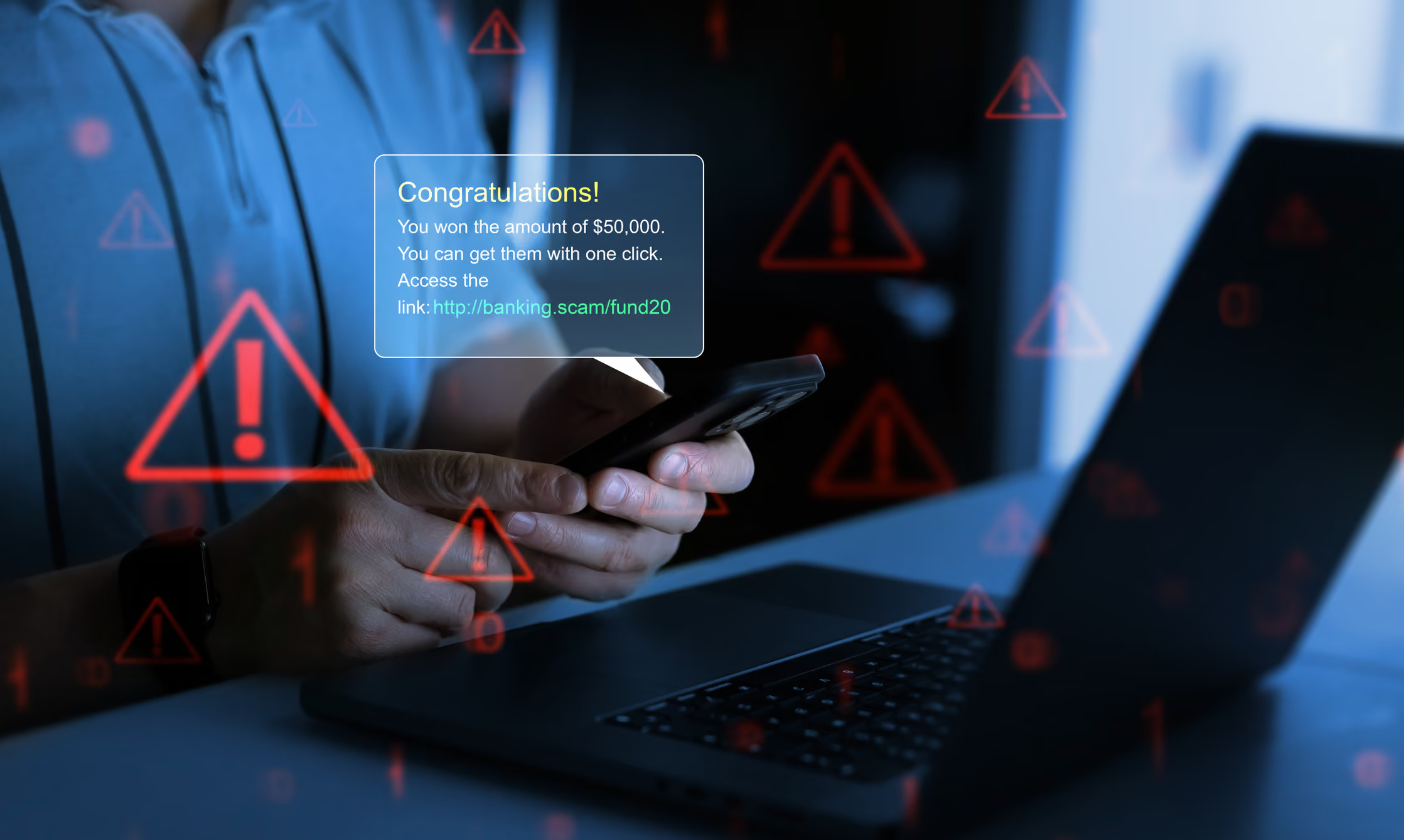
Holiday Scams to Watch Out for This Christmas and New Year
Did you know that the holidays are not just a festive season for families and friends but also a busy time for scammers? With Christmas around the corner, we spread joy and exchange gifts,, but scammers see it as a perfect chance to trick innocent buyers, taking their money through lies and scams.
The Federal Bureau of Investigation (FBI) reports that holiday scams reach their peak every year, targeting your money and personal information. In this blog, we’re going to explore how these scams work and share tips on staying safe this holiday season.
Why Are Holiday Scams So Common?
The holiday season is a perfect storm for scams. Shoppers are in a hurry, looking for the best deals, and sometimes they let their guard down. The rise of online shopping and data exchange has allowed scammers to weave into the process, blending their malicious work with otherwise legitimate transactions.
Jaeson Schultz, a cybersecurity expert, notes that the sheer volume of data and transactions during this time creates more opportunities for scams to slip through the cracks. Scammers exploit trusted platforms like Amazon, eBay, and even social media, knowing that many people believe nothing bad could ever happen on these platforms.
Five Holiday Scams That Could Wreck Your Season
Here are the top scams you need to watch out for during Christmas and New Year:
1. Deals Too Good to Be True
You’ve seen the ad: the latest iPhone for a fraction of the cost, or a PlayStation at half price. Tempting, right? This is exactly what scammers count on. They create fake listings and post them on platforms like Shopify, Amazon, and TikTok, offering deals that seem too good to ignore.
A good percentage of scammers use AI-generated reviews to give the appearance of legitimacy. They may charge you money for products they’ll never send or deliver counterfeit items instead. The only way to avoid falling for this scam is to buy only from verified sellers or directly from the manufacturer. Additionally, check reviews written by trustworthy sources, not just the ones on the seller’s page.
Remember: If a deal seems too good to be true, it probably is.
2. Purchases That Never Arrive
Online shopping is convenient, but it comes with risks. Some scammers set up fake stores or post fake listings. They take your money and never ship the items. The FBI ranks this as one of the top holiday scams.
To protect yourself:
Track all your orders carefully.
If a package doesn't arrive, contact the seller immediately.
If the seller is unresponsive, file a complaint with your credit card company and report them to the Better Business Bureau.
3. Gift Card Scams
Gift cards are a popular holiday gift, but they’re also a common tool for scammers. There are two main ways scammers exploit gift cards:
Tampered Gift Cards:
In stores, scammers tamper with gift cards by stealing the barcode or PIN. Once the card is loaded with money, they use it before the recipient even gets a chance.
Gift Card Payments:
Scammers may ask you to pay for products using a prepaid gift card. Once they have the gift card details, they vanish without ever sending the product.
To avoid gift card scams:
Inspect gift card packaging for tampering before buying.
Purchase gift cards directly from the brand’s website.
Never pay for online purchases with a gift card.
4. Phishing Attempts
Phishing scams ramp up during the holidays. Scammers send fake emails, texts, or messages pretending to be from trusted sources like your bank or a delivery service. These messages often include links or QR codes that lead to malicious websites designed to steal your personal information.
Common signs of phishing:
Emails claiming you’ve won a prize or need to verify account details.
Messages with links or QR codes for fake tracking information.
In order to stay safe:
Avoid clicking on unsolicited links or scanning QR codes from unknown sources.
Go directly to the official website if you need to check account details or deliveries.
5. Fake Charities
The holidays inspire generosity, and scammers exploit this by creating fake charities. They use emails, social media posts, or crowdfunding platforms to solicit donations. Some even mimic legitimate charities, making it hard to tell the difference.
Before donating:
Verify the charity through platforms like Charity Navigator or the Better Business Bureau’s Wise Giving Alliance.
Donate directly through the charity’s official website.
Social Media and Online Shopping Scams: Meta’s Warning
Social media giant Meta recently issued a warning about holiday shopping scams occurring worldwide. In their efforts to inform people, they identified scams involving gift box promotions, fake holiday decorations, and counterfeit coupons. AI-generated videos and fake testimonials are often used alongside these scams to trick people into sharing personal information or making purchases.
This year alone, Meta has removed more than two million scam accounts. They advise users to stay vigilant when responding to ads or promotions on platforms like Facebook, Instagram, and WhatsApp.
Tips to Avoid Scams This Holiday Season
Use credit cards since they tend to offer fraud protection. Unlike debit cards or gift cards, they allow you to dispute unauthorized charges.
Whether shopping online or in person, check the legitimacy of the seller. Look for verified badges and reviews from trusted sources.
Keep an eye on your bank statements and credit card transactions for any suspicious activity.
If you receive unsolicited offers or messages, pause and assess their authenticity. Don’t rush into clicking links or making purchases.
Stay informed about the latest scams and how they work.
What To Do If You’re Scammed
If you suspect you’ve been scammed:
Report the incident to the FBI’s Internet Crime Complaint Center.
Contact your bank or credit card company to dispute the charges.
Notify the Better Business Bureau or your state’s attorney general.
Protect Your Holiday Cheer
The holidays are meant to be a time of happiness, not stress. But scammers see this season as their chance to take advantage of people who are busy and distracted. By staying alert and informed, you can keep yourself safe and focus on enjoying the festive season with your loved ones.
To make things even easier, you can use PrivacyHawk. It helps protect your personal information, reduces annoying spam, and keeps you safe from identity theft and fraud. With just a few taps, PrivacyHawk makes sure your data stays private and out of the hands of scammers.
Download the PrivacyHawk app today and enjoy a safer, stress-free festive season!
.avif)
5 Signs Your Personal Data Has Been Compromised (And What To Do About It)
The modern age has seen alarmingly frequent data breaches. Stories of hackers targeting global corporations and personal accounts appear in headlines every day, resulting in chaos and loss. The consequences are especially disconcerting for those affected by identity theft or drained bank accounts, always left wondering what could happen next.
Did you know the average cost of a data breach in 2024 is an outrageous $4.88 million? While businesses bear the brunt of these costs, individuals are just as vulnerable, as their personal data can often be compromised as well.
So, how do you know if your personal data has been compromised? Let’s take a closer look at the warning signs, why these breaches happen, and most importantly, how to protect yourself.
1. Unauthorized Transactions on Your Bank or Credit Accounts
Have you ever seen a mysterious charge appear on your bank statement? Even as small as a few cents or as large as a withdrawal, unauthorized transactions are one of the clearest indicators that your financial details have been compromised.
Why This Happens:
Stolen credit card details are often sold by hackers on the dark web. They will have your card number, expiration date, and CVV, allowing them to start spending money you don’t have or even withdraw money from your account.
What You Should Do:
If you spot unauthorized transactions, it's important to act fast. Contact your bank immediately and freeze your account to prevent further charges. Most banks and credit card companies have systems in place to handle fraud disputes.
Be vigilant and keep an eye out for any unusual activity in your accounts. Early action can help you prevent further damage. Tools like PrivacyHawk can make this easier by alerting you to data breaches or dark web exposures when your personal information is discovered, helping you take steps to secure your data and minimize risks.
2. Suspicious Login Alerts or Password Reset Emails
Suddenly receiving an email that says, “Your account was accessed from an unfamiliar device,” or being told by your computer, “It looks like someone has tried to access your computer,” could indicate that someone is trying to break into your accounts.
Why This Happens:
If hackers manage to steal your email credentials, they gain access to all the accounts linked to that email address. Many of which could include social media profiles, bank accounts, and online shopping accounts.
What You Should Do:
If you receive a suspicious alert, do not click on any links within it. Instead of rushing to a related news source, go directly to the service provider’s website to verify if the alert is legitimate. Once you’ve confirmed everything is secure, update your passwords.
To minimize the risk of being hacked, create strong, unique passwords for each account. Additionally, wherever possible, enable two-factor authentication (2FA). This adds an extra layer of protection by requiring a second step, like sending a code to your phone, making it much more difficult for hackers to access your accounts.
3. Your Information Is Found in a Data Breach Notification
If a company sends you an email notifying you that your data was part of a breach, it’s unsettling. Unfortunately, by the time you're notified, the damage has already been done.
Why This Happens:
Data breaches aren’t usually noticed for a month or more. In fact, in 2024, the average breach lifecycle (the time it takes to detect and contain a breach) was 292 days long! This gives hackers more than enough time to misuse your stolen information.
What You Should Do:
Begin by checking if your information was leaked in a data breach. You can do this by searching for any compromised email addresses or passwords. Additionally, keep an eye on your credit activity and notify your lenders immediately if you find that someone has opened unauthorized accounts or loans in your name.
Being proactive is just as important as responding to threats. Use PrivacyHawk as a preventive measure to protect your data. PrivacyHawk’s data deletion services help reduce your exposure by removing your personal information from risky databases, minimizing the chances of it being leaked in future breaches.
4. Unfamiliar Bills or Collection Notices
One of the most common signs that someone is stealing your identity is receiving a bill for a credit account or service you didn’t open.
Why This Happens:
Phishing scams and stolen credentials are still major causes of fraud. Statistics show that in 2023, 62% of data breaches were due to credential theft, highlighting how widespread this issue has become.
What You Should Do:
If you receive a bill for an account you didn’t open, the first thing you should do is notify the creditor that the account was opened fraudulently. Then, place a fraud alert on your credit report, which notifies lenders to verify your identity before allowing anyone to borrow in your name.
For an extra layer of protection, consider freezing your credit. This ensures that no one, whether hackers or even yourself, can open fraudulent accounts using your personal information. This is particularly useful if the company you shared your info with isn't cooperating.
5. Unusual Activity on Your Social Media or Email Accounts
If your friends or family say they received strange messages from your email or social media accounts, then your accounts might have been hacked. In many cases, hackers take advantage of compromised accounts to send spam, malware, or phishing links.
Why This Happens:
Hackers exploit the trust within personal accounts to spread malicious links, extending their reach like tentacles to infect more and more people in your network.
What You Should Do:
If you believe your email or social media accounts have been compromised, immediately change your passwords to strong and unique ones. Then, check for any forwarding rules in your email settings, as hackers may set them up to redirect emails to their own address. Next, review your account recovery details to ensure only your updated phone number or email is listed. Taking quick action can help secure your accounts and prevent further unauthorized access. Stay vigilant and protect yourself from data leaks.
Steps to Protect Yourself From Future Breaches
While spotting the signs of a breach is essential, prevention is always better. Here are a few steps you can take to protect your data proactively:
Strengthen your passwords by using a password manager and updating them regularly.
Monitor your digital footprint by reviewing privacy settings and sharing minimal personal information.
Enable security features like 2FA and keep devices updated with the latest security patches.
Invest in data privacy tools to monitor your data exposure, alert you to vulnerabilities, and offer tailored solutions.
Use PrivacyHawk to proactively monitor your personal data, detect breaches, and alert you to potential risks before they escalate. Additionally, it helps reduce your exposure by deleting your personal information from high-risk databases, providing an added layer of protection against future breaches.
FAQs
How do hackers access my data?
Hackers exploit weak passwords, phishing schemes, and malware. Organized crime groups were responsible for 70% of breaches in 2023. They often use advanced techniques like social engineering to manipulate individuals into giving away sensitive information, making it crucial to stay vigilant and informed.
What should I do if I suspect identity theft?
Immediately freeze your credit, dispute unauthorized charges, and file a report with the FTC. Additionally, notify your bank or credit card companies, and consider placing a fraud alert or credit freeze on your reports to prevent further damage.
Can data breaches be prevented?
While no solution can guarantee 100% prevention, using strong passwords, enabling two-factor authentication (2FA), and leveraging tools like PrivacyHawk can greatly reduce your risks. PrivacyHawk not only notifies you about data breaches but also proactively deletes your personal data from high-risk databases, helping to prevent data leaks before they occur.
Are small business safe from breaches?
No. In fact, 73% of U.S. small businesses reported experiencing cyberattacks in 2022, proving that size doesn’t guarantee safety. Small businesses often lack the resources for robust cybersecurity, making them a prime target for cybercriminals looking for vulnerabilities.
Conclusion
A data breach can be an invasion of your privacy and disrupt your financial security without any just cause. However, it’s important to recognize the signs early and act quickly. By staying alert, strengthening your digital defenses, and using tools to help protect your information, you can significantly reduce the risk of becoming a victim of cybercrime.
Don’t let your data fall into the wrong hands. Now is the best time to take action rather than wait. You can identify and prevent potential breaches with PrivacyHawk, monitor your information constantly, and recover quickly from any breaches that occur.
Start protecting your data today with the PrivacyHawk app!
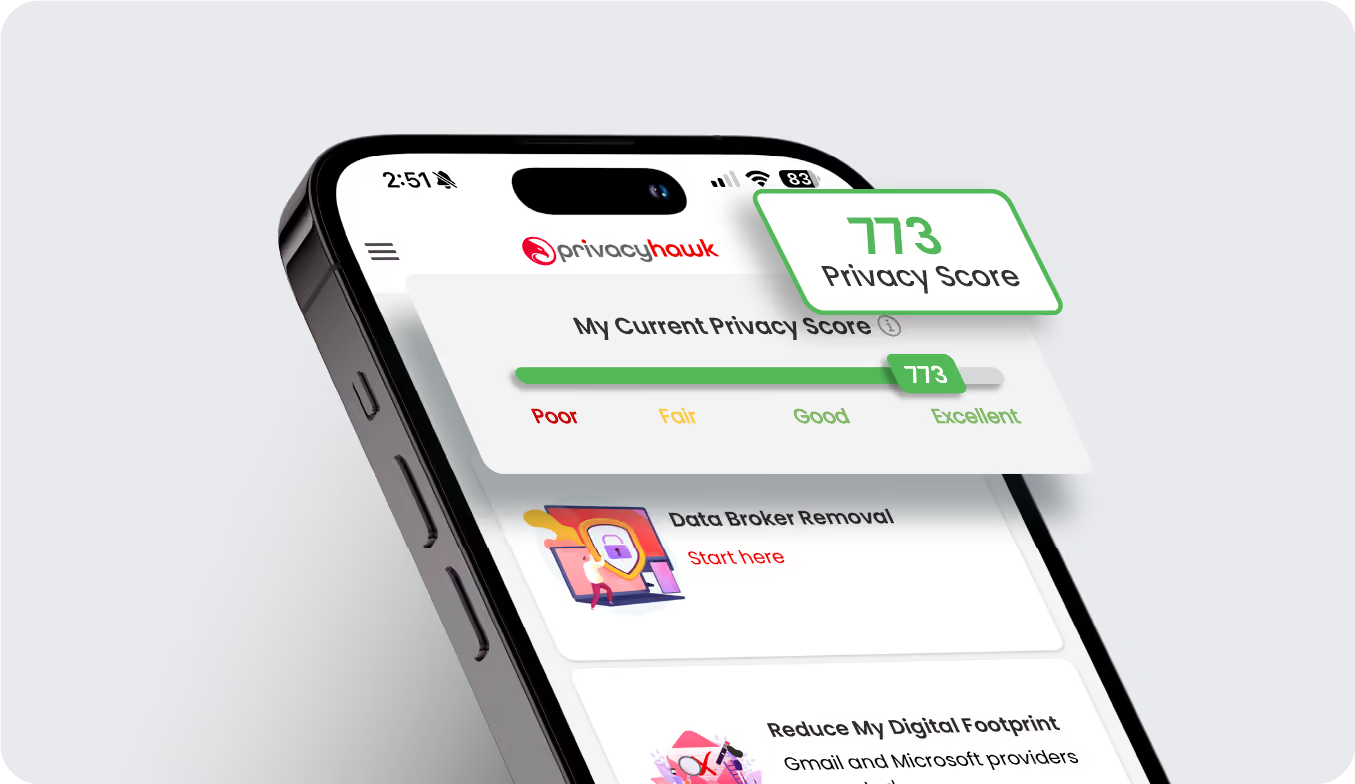
What is a Privacy Score and Why It Matters for Your Online Safety
Shopping, socializing, and so much more can be easily done online, which is great. But it’s never been more important to worry about online safety and privacy.
Every day, many websites, apps, and other platforms collect, share, and store personal data, which puts us at risk of a data breach. Now you might even be wondering, “How do I know my personal data is secure and I’m not at risk?” Well, that’s exactly where PrivacyHawk’s Privacy Score feature makes sense.
If you’re not familiar with the term, a Privacy Score is a way to measure how secure your personal data is online. Just like we can check our credit score to evaluate our financial health, a privacy score does the same for our digital health.
In this blog, we will explain what Privacy Score means, its importance, how this feature works, and how you can manage it to maintain your privacy.
If you want to keep your online data safe, start with the PrivacyHawk app. Check your Privacy Score for free and explore our features to help improve it.
What is a Privacy Score?
In simple words, a privacy score is a feature that you can use to find out how much of your personal data is at risk online.
The PrivacyHawk Privacy Score usually ranges from 300 to 850; the lower the score, the less well-protected your data is. And the higher the score, the better job you’re doing keeping your data safe.
This unique score is generated using PrivacyHawk’s proprietary algorithm, which evaluates actions like opting out of data sharing and removing personal details from vulnerable databases.
The main purpose of this score is to help you keep a watch on your privacy, so you can make smarter choices about your online activities.
How Does the Privacy Score Work?
When it comes to PrivacyHawk’s Privacy Score, it considers different elements of your online behavior to evaluate how well you manage your personal data.
PrivacyHawk's proprietary algorithm begins by analyzing your exposure on data brokers and people search sites to give you an initial Privacy Score. As you engage with our privacy protection tools like 'Protect My Private Info' and 'Advanced Opt-Out', the algorithm updates your score to reflect the reduced risk from minimizing the personal information you share and opting out of unnecessary data collection.
For instance, when you use PrivacyHawk’s tools to remove your personal information from public databases or to prevent companies from acquiring your data, your privacy score increases. The more steps you take to protect your data, the higher your score will be.
Track your privacy score with PrivacyHawk and never again compromise on your online safety!
Why Should You Care About Your Privacy Score?
You might be wondering, “Why does my privacy score matter?” It’s a fair question because so many people don’t even think about privacy when they’re online.
The truth, however, is that your Privacy Score matters because it shows how vulnerable you are to online risks. The higher the score is, the better you’re protecting your personal information; the lower the score is, the more possible threats to your data like identity theft, fraud, and hacking.
1. Data Protection
Each time you put your personal information online, whether it’s your email address, phone number, or home address, there’s a chance your information could be misused.
A low privacy score means you are sharing too much data online or your personal details are unprotected. On the contrary, a high privacy score means that you've taken all the necessary steps to secure your online data.
Having a higher score on PrivacyHawk will give you peace of mind that your data is safe and that you’ve done what you can to protect it from hackers or scammers.
2. Identity Theft Prevention
Identity theft is a real problem and can cause a lot of damage. Cybercriminals can use your personal information to steal your identity and commit fraud.
A strong Privacy Score signals that your efforts of using PrivacyHawk to remove your information from risky databases effectively reduce these risks.
3. Awareness of Online Exposure
Your privacy score is an indicator of all the risks you’re exposed to. If your score is low, then it means you’re sharing too much personal data online.
Looking at your privacy score, you will learn what risks you are exposed to and what changes are required. By doing so, you can adjust your online habits to better protect yourself from potential dangers.
How to Improve Your Privacy Score
Improving your Privacy Score on PrivacyHawk is a lot easier than you might think. Here are some simple steps you can take:
Use PrivacyHawk’s “Advanced Opt-Out” feature to prevent companies from collecting and selling your personal data.
Take advantage of the “Protect My Private Info” tool to delete your data from public databases and data brokers.
Regularly check your Privacy Score in the PrivacyHawk app to stay updated on your privacy health and see how your actions make a difference.
FAQs
How is my Privacy Score calculated?
Your Privacy Score is calculated based on the steps you take to minimize your data exposure, such as using PrivacyHawk’s tools to opt out of databases and remove information from vulnerable places.
How can I improve my privacy score?
To improve your Privacy Score, just open the PrivacyHawk app. Use tools like "Protect My Private Info" and "Advanced Opt-Out" to delete your info from unsafe places. The app shows you what to do step by step, so it’s super simple!
Is my privacy score the same as my credit score?
Your private score and your credit score are not the same thing. Your privacy score is how proficient you are in securing your personal data online and your credit score reflects your financial health.
Can my privacy score change over time?
Yes! Your score will improve as you reduce your digital footprint and proactively secure your data using PrivacyHawk. Conversely, it may drop if your information becomes more exposed.
Conclusion
Your privacy score is an important tool to understand and improve your online security. The higher the score, the better protected your data, and the lower your chance of identity theft and other online threats. On the other hand, a low score tells you that your personal information may be exposed and you need to take necessary action.
Curious about your digital privacy? Discover your privacy score for free with the PrivacyHawk app right now.

Should You Be Concerned About Your Privacy In The Metaverse?
Privacy issues are starting to pop up as the metaverse grows and becomes more integrated into our everyday lives. It doesn't matter if you’re someone who spends time in virtual worlds, a beginner curious about the metaverse, or simply someone who enjoys digital experiences, one thing is clear: privacy in the metaverse is something we cannot ignore.
The real world may be physical, but digital privacy is just as important as privacy in the real world. As we explore these interconnected digital spaces, it’s essential to understand the risks and take active steps to protect our personal data.
In this blog, we’ll look into why privacy in the metaverse matters, and the risks involved.
What Exactly Is the Metaverse?
Before we jump into the risks to your privacy, it’s important to understand what the metaverse is. The metaverse is a vast, three-dimensional digital world where people interact with both the virtual environment and others in real-time.
It’s a space where you can create immersive, virtual places for people to socialize, shop, play games, attend events, and even work. The metaverse is not a single entity, but a shared network of metaspaces.
To experience the metaverse, you can use technologies like:
Virtual Reality (VR) fully immerses you in a digital world with a headset.
Augmented Reality (AR) overlays digital content onto the real world, allowing interaction with both.
Mixed Reality (MR) combines real and virtual elements for a more interactive experience.
Extended Reality (XR) is a term that includes all these immersive technologies.
Each of these technologies provides different levels of immersion, from fully virtual worlds in VR to blended experiences in AR and MR. But as we enjoy the benefits of this exciting new realm, there’s one crucial factor that we can’t overlook i.e., privacy.
What Are The Privacy Concerns In The Metaverse?
The metaverse may be the first world to give us a taste of what’s to come in terms of blurring the lines between life in the virtual and real worlds.
However, it also presents new privacy issues. The more you reveal about yourself online, the more unsafe it becomes. Privacy risks in the metaverse can be categorized into several key concerns:
Data Collection:
In the virtual spaces you interact with, platforms may be collecting far more personal data than you realize. This includes things like your physical movements (via motion sensors) and even your facial expressions.
Surveillance:
Just like in the physical world, the metaverse could give rise to surveillance. Platforms can track your activities without your knowledge or consent, often for purposes like targeted advertising or user behavior analysis to improve services.
Misuse of Avatars and Digital Identities:
Your virtual avatar can be hijacked or manipulated, representing you across various digital worlds. Harmful interactions, identity theft, and exploitation can all occur without your consent as a result of this.
Invasive Social Interactions:
You can come across social interactions you don’t want when engaging with other users in virtual environments. At worst, this could include unsolicited DMs or virtual harassment, which can tarnish your online experience.
Location Tracking:
Many metaverse platforms use location-based features, which are great for finding virtual events or connecting with people. However, they can also expose your physical location to the world without your knowledge.
Health and Psychological Data:
Some metaverse environments track your physical and emotional states. For example, VR headsets can track physiological data (such as your heart rate), and emotional cues can be analyzed to improve the immersive experience. This data, however, can be misused if not adequately protected.
Identity Theft:
In the metaverse, identity theft is just like in the real world. People could impersonate you, steal your virtual assets, or cause trouble for you in a virtual world.
Biometric Data:
Many VR devices use biometric data to authenticate and interact with users. This data is highly sensitive, so there are valid reasons to be concerned about who collects it and for what legitimate purposes.
The metaverse is an emerging space that amplifies these risks because privacy regulations haven’t yet kept pace. Countless businesses and individual users carrying data need to ensure privacy in this new frontier more than ever.
How to Maintain Your Privacy in the Metaverse
While the risks are real, there are practical steps you can take to protect your privacy in the metaverse. A few tips to help you stay in control of your personal data are:
Understand privacy policies of each metaverse platform to know how your data is handled.
Adjust privacy settings on VR and AR devices to limit data sharing and location tracking.
Use pseudonyms or alternate identities to keep your real-world persona separate from your digital one.
Limit personal information to only what's necessary for each interaction in the metaverse.
Use strong, unique passwords and enable two-factor authentication for added security.
Monitor app permissions regularly to ensure apps aren’t accessing unnecessary data.
Stay informed about evolving privacy concerns, security features, and best practices.
Educate children on privacy risks and how to protect themselves in virtual environments.
Report privacy violations or suspicious behavior to the platform or relevant authorities.
FAQs
What are the privacy concerns of virtual reality?
Privacy issues in VR include the collection of sensitive data like location, biometric data, and even physiological information. Users are also at risk of surveillance and misuse of their avatars in virtual environments.
Are there ethical issues with the metaverse?
Yes, there are several ethical issues, including privacy violations, virtual harassment, and concerns about identity and representation. The lack of regulation around the metaverse also contributes to these concerns.
How can I protect my privacy in the metaverse?
Protect your privacy by adjusting privacy settings, using pseudonyms, limiting personal information, using strong passwords, and staying informed about emerging privacy concerns and tools.
Is the metaverse safe for children?
While the metaverse offers exciting opportunities for learning and entertainment, it’s important to educate children on the privacy risks involved. Always monitor their interactions and set boundaries for safer use.
Conclusion
Communication, entertainment, and business are all possible in the metaverse. These opportunities are important, but they also bring privacy concerns. As the digital world expands, it’s essential to learn and be proactive in guarding your personal data.
This is why using privacy-focused tools and our quick tips can help you keep your information safe, even while enjoying everything the metaverse has to offer.
How to Spot Too-Good-to-Be-True Deals and Prevent Black Friday Scams
With Black Friday sales happening right now, shoppers everywhere are gearing up for the biggest shopping event of the year. It's an exciting time, offering massive discounts and tempting deals that can be hard to resist.
However, amidst the hype and excitement, there are a number of scams that pop up, making it crucial for consumers to stay alert.
How do you know if a deal is legitimate or if you're being lured into a scam? The truth is, not every "too-good-to-be-true" deal actually is. But, unfortunately, scammers rely on your excitement and urgency to pull off their tricks.
In this blog, we’ll take you through how to spot those fake deals, how to prevent falling for scams, and how you can protect your personal information and online security during this busy shopping season.
To help you shop safely, consider using PrivacyHawk, a tool designed to minimize privacy risks when entering your personal details on shopping sites. It’s a smart way to reduce your digital footprint and ensure your information stays protected while you focus on snagging the best deals.
What Are Too-Good-to-Be-True or Fake Deals?
We’ve all been there: scrolling through endless Black Friday promotions and seeing discounts that seem almost too good to believe.
Sometimes, the excitement of finding a great deal blinds us to the fact that something doesn’t add up. Fake deals often seem irresistible, but they’re usually a red flag.
A “too-good-to-be-true” deal is one that promises massive savings on products or services that are typically much more expensive. This could be:
Significant discounts that seem unrealistic.
Exclusive offers that come with suspiciously low prices.
Limited-time sales that pressure you to act quickly without enough time to do research.
While it’s tempting to jump on these deals, it's essential to pause and evaluate if they are legitimate or a scam designed to exploit shoppers.
Common Types of Black Friday Scams
Scammers love Black Friday because it’s a time when many people let their guard down in pursuit of discounts. Some common scams you should be aware of include:
Fake Websites and Phishing Scams
Scammers often create fake websites that look like legitimate online stores. These sites may feature incredible deals on high-demand products, but the moment you enter your payment details, your money is gone, and so are they.
Another variation of this scam is phishing. Here, you might receive an email or text message claiming you’ve won a prize or are entitled to an amazing deal, only to click on a link that takes you to a fake site. These scams are designed to steal your personal information or install malware on your device.
Non-Existent Products
Another popular scam is promoting products that don’t exist. For example, you might see a website listing a "brand-new laptop" at 70% off, but once you make the purchase, you receive nothing or a cheap knockoff.
Unrealistic Discounts on High-Demand Products
Scammers are good at creating a sense of urgency. You might see a deal on an item that’s in high demand, such as a popular gaming console or phone, with an incredibly low price. The catch? They often don’t have the product in stock or ship you a counterfeit version.
Fake Social Media Ads and Influencer Endorsements
Some scammers use social media to market fake products or services. They might create enticing ads promising amazing deals or ask popular influencers to endorse non-existent deals. These ads often link to websites where they ask for your credit card information or personal data.
The Bait-and-Switch Scam
In a bait-and-switch scam, you’re drawn in by an ad offering a product at an unbeatable price, only to discover that the product is no longer available when you try to purchase it. Then, they’ll try to upsell you to a higher-priced version or a similar but inferior product.
How to Spot Fake Deals
Now that we’ve covered some of the common scams, let’s dive into how you can spot these fake deals. By staying vigilant and following these tips, you can avoid being tricked:
Check the Seller’s Reputation
Before making any purchase, always do some research on the website or seller. Look for:
Check customer feedback on independent review sites like Trustpilot or Google Reviews; a lack of reviews or mostly negative ones is a red flag.
Look for clear contact details, such as a physical address, email, and phone number; if this information is missing or hard to find, be cautious.
Ensure the website has clear return, refund, and exchange policies; vague or absent policies should raise concerns.
Look for the Secure Website Indicator
Always make sure that the website you’re shopping on is secure. A secure website will have an HTTPS in the URL (the “S” stands for secure) and a padlock icon next to the URL. This indicates that the website uses encryption to protect your data. If you don’t see this, it’s better to steer clear of entering any personal or payment information.
Watch Out for Deals That Seem Too Good to Be True
If a deal seems too good to be true, it probably is. Pay close attention to:
Extreme discounts like 80% off are often traps, as high-quality products rarely have such steep price cuts, especially from unknown sources.
Scammers use phrases like “limited time offer” or “only a few left” to rush your decision, so always take time to evaluate.
Verify the Product’s Authenticity
If you’re buying a branded item, make sure it’s authentic. Look up the product on the official brand’s website and compare the details. Often, counterfeit products have slight differences in the description, price, and appearance that make them easy to spot.
Use a Payment Method That Offers Protection
When shopping online, always use a credit card or secure payment system like PayPal, which offers buyer protection. Avoid using wire transfers, prepaid cards, or debit cards, as these payment methods don’t typically offer the same level of protection.
Be Skeptical of Too Many Ads
While social media platforms like Facebook and Instagram are great for finding deals, too many ads, especially from unknown accounts or influencers, can be a sign that something is off. Scammers often rely on attractive ads to lure unsuspecting shoppers.
Protect Your Privacy While Shopping
In addition to spotting scams, protecting your personal information while shopping online is just as important. Many scammers try to gather details like your name, address, phone number, and payment information to steal your identity or money.
This is where PrivacyHawk comes in. PrivacyHawk helps you take control of your personal data by reducing the risks of exposure. It scans for potential data leaks and alerts you if your information is being tracked or exposed without your consent.
By using PrivacyHawk, you can manage who has access to your data and take steps to remove it from risky databases. This way, you can shop online with confidence, knowing your personal information is protected and your privacy is in your hands.
FAQs
How can I tell if a deal is a scam?
Look for deals that seem too good to be true. Check the reputation of the seller, read reviews, and ensure the website is secure. If there’s a lack of contact information or an unrealistic discount, it’s a red flag.
Is it safe to shop on Black Friday?
Black Friday shopping can be safe if you take precautions, such as shopping on secure websites, using a protected payment method, and being cautious of deals that seem fake.
How do I protect my personal information while shopping online?
Use strong passwords, avoid public Wi-Fi networks, and shop only on websites with HTTPS encryption. Tools like PrivacyHawk can help manage and minimize exposure to potential trackers, ensuring your personal information stays protected.
What should I do if I think I’ve been scammed?
If you suspect a scam, immediately contact the retailer, report the incident, and check with your payment provider for possible fraud protection or refunds.
Conclusion
Black Friday is an exciting time to find amazing deals, but it’s also a time when scams run rampant. By knowing how to spot fake deals and taking steps to protect your personal information, you can enjoy the season of savings without falling victim to fraud.
Using PrivacyHawk helps you secure your personal data, monitor your online activities, and stay ahead of potential scams. So, get ready to shop smart, while maintaining your privacy with PrivacyHawk app!


.svg)


.svg)